Running a photography business means juggling dozens of client conversations, tracking session dates, sending contracts, chasing invoices, and somehow finding time to actually shoot. Most photographers start with scattered spreadsheets, sticky notes, and overflowing email inboxes. That chaos costs real money—missed bookings, forgotten follow-ups, and clients who slip through the cracks because you couldn't remember where you left off.
A proper system changes everything. The right tools keep your client relationships organized, automate repetitive tasks, and free up hours every week. This guide breaks down exactly what customer relationship management software does for photographers, which features actually matter, and how to pick the platform that fits your workflow without overcomplicating your business.
What Is CRM Software for Photographers
CRM software for photographers is a centralized platform designed to manage every interaction with clients from first inquiry through final gallery delivery and beyond. Unlike generic business tools, photography-specific CRM systems understand your workflow: they track leads who inquire about sessions, manage booking calendars, store shoot details and preferences, handle contracts and payments, and maintain communication history all in one place.
Core features typically include contact databases that store client information, preferences, and past session notes; booking management that prevents double-bookings and sends automatic reminders; invoicing and payment processing integrated directly into the client workflow; contract delivery and e-signature collection; and communication tools that log emails, texts, and calls so you never lose track of a conversation.
Photography client management goes beyond simple contact lists. The system should remember that Sarah prefers outdoor shoots, that the Johnson family books fall portraits every year, or that your corporate clients need invoices formatted specifically for their accounting department. This institutional memory turns you from a scattered solo operator into a professional business that never drops details.
The difference between generic CRM platforms and photography-specific options comes down to workflow alignment. A photography CRM understands session types, knows you need to track multiple events for wedding clients, integrates with gallery delivery platforms, and speaks your language instead of forcing you into sales pipeline terminology designed for software companies.
Why Photographers Need Client Management Software
Every photographer has lost a lead because an inquiry email got buried, forgotten a client's specific request until the day of the shoot, or scrambled to remember whether they already sent an invoice. These aren't character flaws—they're system failures.
Without dedicated client management software, inquiries arrive through Instagram DMs, Facebook messages, website contact forms, and email. Half get answered immediately, a quarter get flagged for later and forgotten, and the rest disappear into the void. You lose 20-30% of potential bookings simply because you didn't respond fast enough or follow up consistently.
Author: Derek Halston;
Source: maryelizabethphoto.com
Disorganized bookings create their own problems. Double-bookings damage your reputation. Forgetting to send a contract means you show up to shoot without legal protection. Missing a payment reminder means you're doing free work and chasing money weeks later. Each mistake chips away at your professional image and your profit margin.
Centralized client data solves these problems by creating a single source of truth. When a lead inquires, they enter your system immediately. The software prompts you to follow up, tracks whether they've viewed your pricing, reminds you to send the contract, and flags when payment is overdue. Everything happens in sequence without relying on your memory.
Automated workflows handle the repetitive tasks that eat your time. After a client books, the system can automatically send a welcome email, deliver your client prep guide, schedule reminder emails for the week before the shoot, and trigger a review request after gallery delivery. These workflows run whether you're shooting, editing, or on vacation.
The client experience improves dramatically when your business runs smoothly. Clients receive prompt responses, clear communication, timely reminders, and professional documentation. They feel taken care of instead of forgotten. That professionalism leads to better reviews, more referrals, and higher rebooking rates for annual sessions.
Key Features to Look for in Photography CRM Software
Not all CRM platforms offer the same capabilities. Knowing which features actually matter helps you avoid paying for bells and whistles you'll never use while ensuring you don't miss critical functionality.
Contact and Lead Management
Your CRM should capture leads from multiple sources—website forms, email, social media—and funnel them into a single database. Each contact record needs space for basic information plus custom fields for photography-specific details: preferred session type, location preferences, package interest level, referral source, and timeline.
Lead scoring or tagging helps you prioritize hot prospects over casual browsers. Someone who filled out your detailed booking form and requested specific dates deserves immediate attention. Someone who asked a vague pricing question might go into a nurture sequence for follow-up in a few days.
The system should track every interaction automatically. When you email a client, that conversation appears in their record. When they click a link in your email, you see it. When they view your pricing page, you know they're seriously considering booking. This visibility prevents awkward duplicate outreach and helps you gauge genuine interest.
Scheduling and Calendar Integration
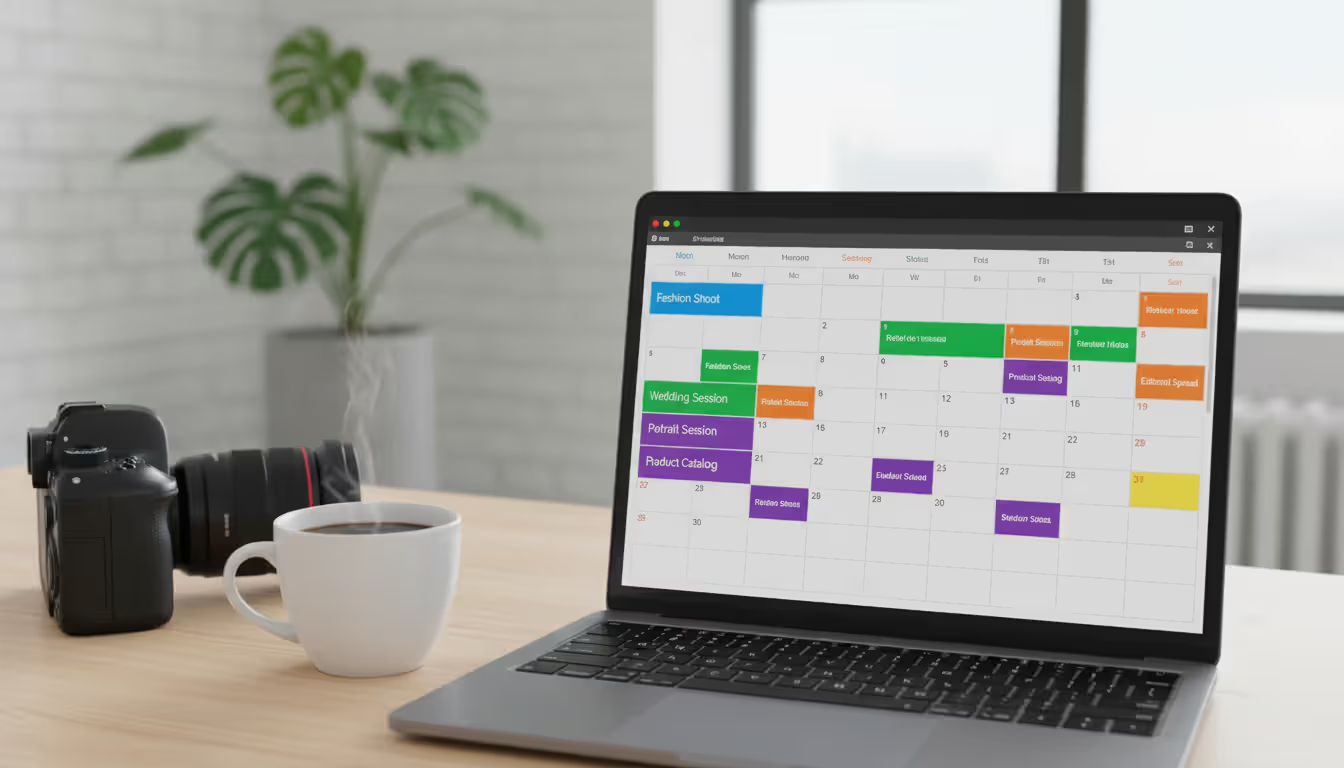
Calendar functionality needs to do more than show availability. Look for systems that let clients book directly from your availability, block out personal time and editing days, prevent bookings too close together, and sync with your Google or Apple calendar so you're not managing multiple schedules.
Automated reminders reduce no-shows and keep clients prepared. The system should send booking confirmations immediately, reminders one week before the session, and final reminders the day before with location details and what to bring. These touchpoints happen automatically without you lifting a finger.
Wedding photographers need more sophisticated calendar tools that track multiple events for a single client: engagement shoot, bridal session, rehearsal, ceremony, and reception. The system should link these events to the same client record and track deliverables for each separately.
Author: Derek Halston;
Source: maryelizabethphoto.com
Contract and Invoice Tools
Built-in contract delivery eliminates the awkward email attachment dance. You create contract templates once, then the system populates client details automatically and sends for e-signature. Clients sign on their phone in minutes, and you receive instant notification when the contract is executed.
Invoice generation should pull from your service packages and pricing structure. If a client books your wedding package plus an engagement session, the system should calculate the total, apply any discounts, and generate a professional invoice automatically. Payment reminders go out on schedule without manual intervention.
Payment processing integration lets clients pay invoices directly through a secure link. They click, enter their card information, and you receive payment notification immediately. The transaction records in the client file automatically, keeping your financial records clean without duplicate data entry.
Workflow Automation
Automation separates amateur operations from professional businesses. The best CRM software for photographers includes workflow builders that trigger actions based on specific events. When a client books, the system sends a welcome sequence. When payment clears, it delivers your prep guide. When the shoot date passes, it starts the gallery delivery sequence.
Email templates save hours of typing the same responses. You create templates for common scenarios—pricing inquiries, booking confirmations, rescheduling policies, gallery delivery—then personalize them with client-specific details in seconds. Your communication stays consistent and professional without starting from scratch every time.
Task automation ensures nothing falls through the cracks. The system creates tasks for you: follow up with this lead in three days, send the contract to this client, deliver the gallery by this date. You work from a prioritized task list instead of trying to remember everything.
Free vs Paid CRM Options for Photographers
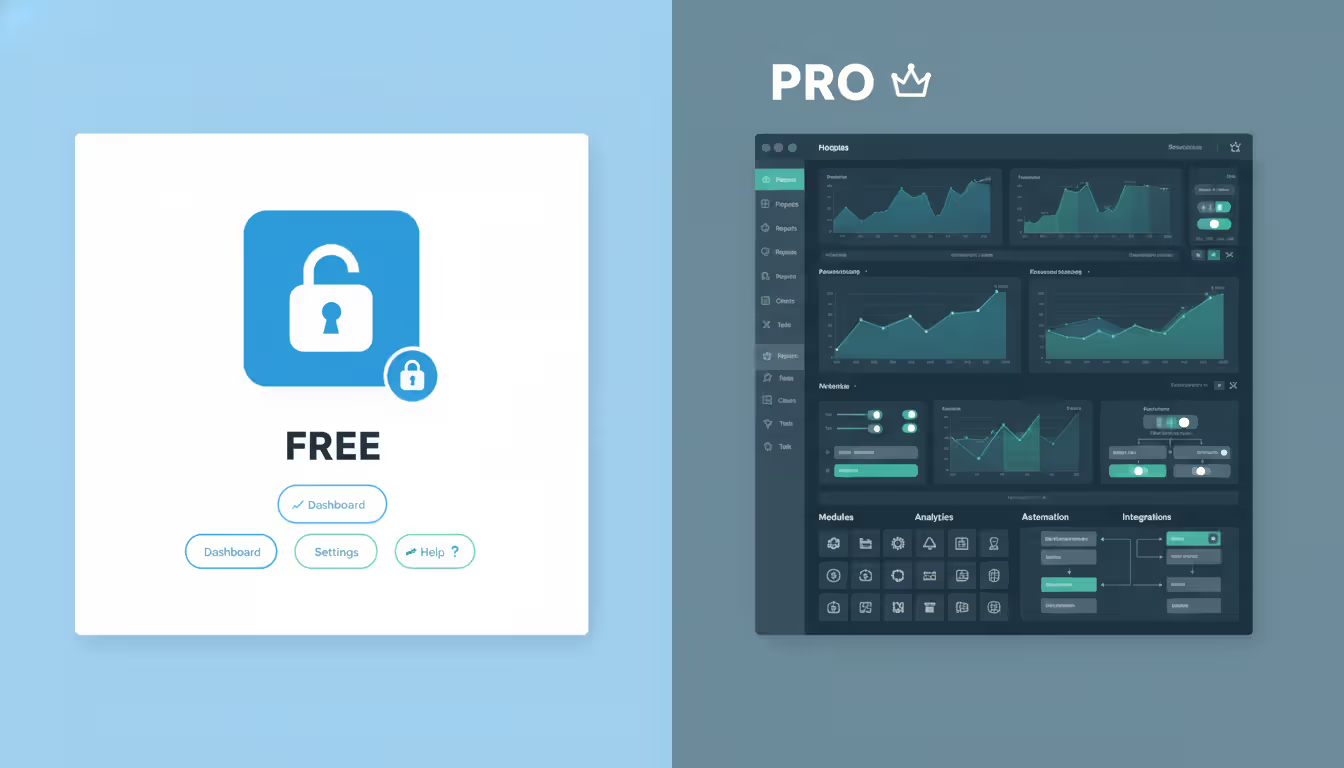
Free CRM for photographers exists, but understanding the limitations helps you decide whether the savings justify the constraints.
Most free plans limit the number of contacts you can store—typically 250 to 1,000. For photographers just starting out with a handful of clients per year, this works fine. Once you build momentum and want to maintain relationships with past clients for rebooking opportunities, you'll hit that ceiling quickly.
Automation features are usually restricted on free tiers. You might get basic email responses but not complex workflow sequences. Manual work replaces automation, which defeats much of the purpose of using a CRM in the first place.
Integration limitations hurt more than you'd expect. Free plans often don't connect with your accounting software, gallery platforms, or scheduling tools. You end up manually transferring information between systems, which introduces errors and wastes time.
Author: Derek Halston;
Source: maryelizabethphoto.com
Support access varies dramatically between free and paid tiers. Free users typically get email support with slow response times, while paid subscribers access chat support, phone help, and dedicated onboarding assistance. When you're stuck and losing money, fast support matters.
Paid plans typically start around $15-30 monthly for solo photographers and scale up to $50-100+ monthly for studios with multiple shooters and complex needs. That investment pays for itself quickly when you consider the cost of a single lost booking or the hours saved on administrative tasks.
The value proposition of paid tools centers on time savings and revenue protection. If a CRM helps you book two additional clients per year because you followed up promptly and professionally, it's paid for itself several times over. If it saves you five hours monthly on administrative work, you've freed up time for actual shooting or marketing that generates income.
Upgrade when you're consistently hitting the limits of your free plan, when you're losing track of leads because your system can't keep up, or when you're ready to implement automation that requires paid features. Most photographers should plan to invest in proper tools once they're booking more than one session monthly.
Best CRM Software for Wedding Photographers
Wedding photography demands more sophisticated client management than portrait sessions. You're tracking multiple events spread over months, coordinating with other vendors, managing complex timelines, and delivering multiple galleries. A CRM for wedding photographers needs specialized capabilities.
HoneyBook dominates the wedding photography space with purpose-built workflows for multi-event tracking. You can link engagement sessions, bridal portraits, and wedding day coverage to a single client, track deliverables separately for each event, and manage the entire relationship from inquiry through final album delivery. The platform includes proposal templates specifically designed for wedding packages, payment plans that accommodate typical wedding payment structures, and timeline features that help you coordinate with other vendors. Pricing starts around $39 monthly.
Dubsado offers powerful automation particularly useful for wedding photographers juggling complex client journeys. You can build workflows that automatically send different communications based on which package a client books, trigger specific tasks when certain dates approach, and create conditional logic that adapts to each client's unique situation. The scheduler integrates multiple events cleanly, and the contract system handles the detailed agreements wedding clients require. Plans start at approximately $40 monthly after a limited free tier.
17hats provides comprehensive business management beyond basic CRM, which wedding photographers appreciate when running complex operations. The platform combines client management with project tracking, letting you monitor progress on deliverables like engagement albums, wedding albums, and final galleries separately. Built-in accounting features track payments across multiple invoices and payment plans common in wedding photography. The questionnaire feature helps you gather detailed information about wedding timelines, vendor contacts, and shot lists. Pricing begins around $25 monthly.
Tave caters specifically to wedding and portrait photographers with industry-specific features like job workflows that distinguish between different event types, calendar tools that prevent booking conflicts during busy wedding seasons, and integration with popular photography gallery platforms for seamless delivery. The lead tracking system understands the longer sales cycle typical in wedding photography, where couples might take weeks to decide after initial contact. Plans start approximately $30 monthly.
Each platform handles the core wedding photography needs—multi-event tracking, vendor coordination, timeline management, and gallery delivery—but with different strengths. HoneyBook excels at beautiful client-facing proposals, Dubsado wins on automation complexity, 17hats provides the most comprehensive business tools, and Tave offers the deepest photography-specific features.
How to Choose the Right CRM for Your Photography Business
Selecting the right platform requires honest assessment of your actual needs versus wishful thinking about features you'll never use.
Start with business size and complexity. Solo portrait photographers shooting 5-10 sessions monthly need different tools than wedding studios with multiple shooters managing 50+ events yearly. Match the platform's capabilities to your actual volume. Overpaying for enterprise features you don't need wastes money; choosing a too-simple system that you'll outgrow in six months wastes time on migration.
Budget realistically for total cost. Monthly subscription fees are just the start. Factor in payment processing fees if you'll use integrated payments, costs for add-ons or higher contact limits as you grow, and time investment for initial setup and learning. A platform that costs $20 monthly but takes 40 hours to configure properly has a much higher real cost than a $40 monthly platform with two-hour setup.
Evaluate integration requirements carefully. List the tools you already use and won't abandon: accounting software like QuickBooks, gallery platforms like Pixieset or ShootProof, scheduling tools like Calendly, email marketing platforms like Mailchimp. Verify that your CRM connects with these systems or offers comparable built-in functionality. Forced manual work between disconnected tools eliminates most efficiency gains.
Prioritize ease of use over feature lists. A platform with 100 features you can't figure out how to use delivers less value than a simpler platform you'll actually implement. Request demos or free trials and test the interface yourself. Can you create a basic workflow in under 30 minutes? Does the navigation make sense? If you're frustrated during the trial, you'll be frustrated forever.
Assess mobile functionality honestly. If you respond to inquiries from your phone, check calendar availability between shoots, or send quick updates to clients while traveling, mobile access isn't optional. Test the mobile app or responsive web interface during your trial period. Some platforms have clunky mobile experiences that force you back to desktop for basic tasks.
Investigate customer support quality. Read recent reviews specifically about support responsiveness and helpfulness. Check what support channels are available at your pricing tier. During your trial, contact support with a real question and evaluate how quickly and thoroughly they respond. You'll need help at some point, and slow or unhelpful support turns small problems into business disruptions.
Plan for data portability. Even if you're confident in your choice, verify that you can export your data in standard formats if you ever need to switch platforms. Client contact information, communication history, and financial records should be exportable as CSV or similar universal formats. Being locked into a platform because you can't extract your data creates expensive problems down the road.
Common Mistakes Photographers Make with CRM Systems
After implementing a proper CRM system, my booking rate jumped from about 40% to nearly 70% within six months. The difference wasn't my photography—it was response time and professional communication. When inquiries got immediate automated acknowledgment followed by personalized follow-up within 24 hours, potential clients felt valued instead of ignored. The system also saved me roughly 10 hours weekly on administrative tasks, which I redirected into marketing that generated even more leads. The ROI was obvious within the first month
— Jennifer Martinez
Even photographers who invest in good platforms often undermine their effectiveness through predictable mistakes.
Over-complicating initial setup kills momentum before you start. You don't need 50 email templates, 20 automated workflows, and 30 custom fields on day one. Start with the basics: capture leads, send booking confirmations, track payments. Add complexity gradually as you identify specific pain points. Photographers who spend weeks building the "perfect" system often never actually launch it because they're overwhelmed by their own creation.
Not using automation defeats the primary purpose of CRM software. If you're manually sending every email, creating every task, and triggering every workflow step, you've built an expensive contact database instead of a business system. Start with one simple automation—maybe a welcome email after booking—then add more as you see the time savings. Within a few months, you should have automated sequences handling 70% of routine client communication.
Poor data entry habits sabotage your system's usefulness. If you skip logging client preferences, forget to tag referral sources, or don't record communication details, your database becomes useless. Incomplete data means you can't segment clients for targeted marketing, can't identify your best referral sources, and can't remember important details when clients rebook. Commit to logging information immediately while it's fresh, not "later when you have time."
Ignoring mobile functionality creates friction when you need quick access. If you can't check your calendar or respond to a lead inquiry from your phone, you'll miss opportunities. Set up the mobile app, customize notifications so you're alerted to urgent items, and practice handling common tasks on mobile. The system should work wherever you are, not just at your desk.
Author: Derek Halston;
Source: maryelizabethphoto.com
Failing to integrate with existing tools forces you to maintain multiple systems and manually transfer information. If you're copying client emails from your CRM into your accounting software, or manually updating your calendar after booking someone in the CRM, you're working twice as hard as necessary. Either find a CRM that integrates with your existing tools or switch to tools that integrate with your CRM. The systems should talk to each other automatically.
Neglecting regular maintenance lets your database decay into uselessness. Duplicate contacts accumulate, outdated information persists, completed workflows keep running, and your system becomes cluttered. Schedule monthly cleanups to merge duplicates, update contact information, archive old clients, and review automation performance. A well-maintained system stays useful; a neglected one becomes another source of chaos.
Switching platforms too frequently prevents you from ever getting full value from any system. Every platform has a learning curve and requires time to configure properly. Switching after three months because you saw a shinier option means starting over repeatedly. Choose carefully, commit for at least a year, and give yourself time to master the platform before deciding it's not working.
Yes, even solo photographers benefit significantly from CRM software once you're booking more than a few sessions yearly. The moment you've forgotten to follow up with a lead, missed sending a contract on time, or lost track of which clients you've invoiced, you need a system. Solo doesn't mean simple—you're still managing dozens of client relationships, and a CRM prevents details from slipping through the cracks. The time savings alone justify the investment, typically 5-10 hours monthly on administrative work.
What's the best free CRM for photographers just starting out?
Dubsado offers a functional free tier limited to three active projects, which works for photographers shooting just a few sessions monthly while building their business. HubSpot's free CRM provides robust contact management and basic automation, though it's not photography-specific. Most photographers should plan to invest in paid tools once they're consistently booking clients, as the limitations of free plans become frustrating quickly and the cost of paid plans is minimal compared to the revenue from even one additional booking.
Can CRM software integrate with my existing booking system?
Most modern photography CRMs integrate with popular tools through direct integrations or via Zapier, which connects thousands of applications. Check the specific platforms you're considering against the tools you currently use—accounting software, gallery platforms, calendar systems, email marketing tools. Many photography-specific CRMs include built-in booking functionality, which might let you consolidate tools and eliminate your separate booking system entirely.
How much time does CRM software actually save?
Most photographers report saving 5-15 hours monthly after fully implementing CRM automation. Time savings come from automated email responses, automatic task creation, centralized information that eliminates searching through email threads, and streamlined workflows that reduce repetitive work. The first month typically shows minimal savings as you're learning the system, but by month three, the efficiency gains become substantial. That's time you can redirect to shooting, editing, marketing, or personal life.
Is CRM software different for wedding vs portrait photographers?
The core functionality is similar, but wedding photographers need additional capabilities: multi-event tracking for engagement sessions, bridal portraits, and wedding day coverage; longer client relationship timelines spanning months or years; vendor coordination features; and more complex payment plans. Portrait photographers can often use simpler systems focused on session booking, quick turnaround, and rebooking automation. Choose a platform that matches your specific photography niche's workflow requirements.
What happens to my client data if I switch CRM platforms?
Reputable CRM platforms allow data export in standard formats like CSV, which you can then import into your new system. You'll typically be able to export contact information, basic client details, and sometimes communication history. Complex workflows, custom templates, and platform-specific configurations won't transfer and must be rebuilt. This migration effort is why choosing carefully upfront matters—switching platforms is possible but time-consuming, so you want to minimize how often you do it.
The difference between photographers who build sustainable businesses and those who burn out chasing administrative chaos often comes down to systems. A CRM doesn't just organize your contacts—it creates a professional infrastructure that scales with your growth, protects revenue by preventing lost leads, and frees your time for the creative work that attracted you to photography in the first place.
Start by choosing a platform that matches your current business size and photography niche. Implement basic workflows first: lead capture, booking confirmation, payment tracking. Add automation gradually as you identify repetitive tasks eating your time. Maintain your data consistently so the system stays useful. Integrate with your other tools to eliminate duplicate work.
The investment—both financial and time—pays dividends quickly. You'll book more clients through prompt, professional communication. You'll deliver better client experiences through organized, reliable service. You'll reclaim hours every week previously lost to administrative scrambling. Most importantly, you'll build a business that runs smoothly whether you're shooting, editing, or taking a well-deserved break.
Your photography skills brought clients to your door. The right CRM software ensures they have such a professional, seamless experience that they book, refer their friends, and come back year after year.
Photographers face a constant challenge: how to communicate their value while remaining competitive. A well-structured price list solves this problem by setting clear expectations before the first consultation call. Whether you're a photographer building your first pricing document or a client trying to decode costs, understanding how photography pricing works saves time and prevents awkward conve
Photographers who master their craft still struggle to fill their calendars. The gap between technical skill and business success often comes down to marketing execution. Learn niche-specific strategies, channel comparisons, and when to hire agencies versus DIY approaches that actually generate bookings
Photography invoicing software automates billing, payment processing, and client management for professional photographers. This guide covers essential features, pricing models, common selection mistakes, and how standalone invoicing tools compare to full studio management platforms
Getting paid for your creative work shouldn't feel like pulling teeth. This guide covers everything photographers need to know about invoicing: what to include, how to create invoices in 5 steps, free templates, common mistakes, and the key differences between invoices, quotes, and contracts
The content on this website is provided for general informational and educational purposes only. It is intended to explain concepts related to running a photography business, insurance coverage, marketing, websites, and professional development.
All information on this website, including articles, guides, and examples, is presented for general educational purposes. Outcomes may vary depending on business size, location, and individual choices.
This website does not provide professional legal, insurance, financial, or business advice, and the information presented should not be used as a substitute for consultation with qualified professionals.
The website and its authors are not responsible for any errors or omissions, or for any outcomes resulting from decisions made based on the information provided on this website.