Building a website for your photography business isn't just about uploading images to a template. The platform you choose determines how clients experience your work, whether you can close sales efficiently, and how much time you'll spend on maintenance versus actual photography. A poorly chosen website builder for photographers can mean slow load times that drive away potential clients, clunky galleries that don't showcase your best work, or missing features that force you to patch together third-party tools.
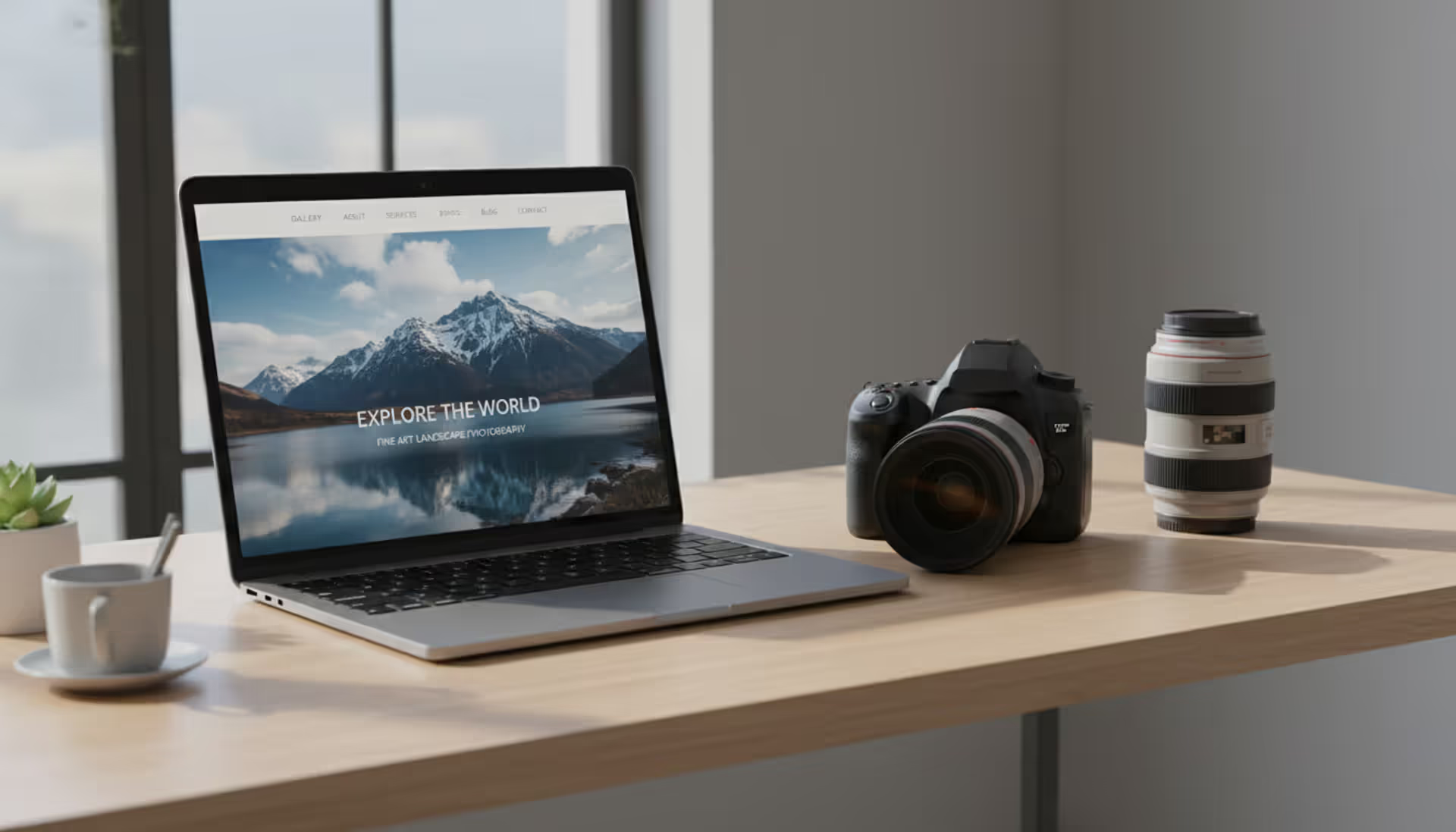
The right photography website builder should feel invisible—letting your images take center stage while handling the technical heavy lifting behind the scenes. This guide walks through the specific considerations photographers face when selecting a platform, from free options that work for hobbyists to professional-grade solutions that support high-volume client work.
What Makes a Website Builder Right for Photographers
Generic website builders treat images as decorative elements. Photography-specific platforms understand that images are the content, and every feature should support that reality.
The most critical capability is how the platform handles high-resolution files. Your website builder for photographers needs automatic image optimization that maintains visual quality while compressing file sizes for web delivery. Manual resizing for every upload wastes hours you could spend shooting or editing. Look for platforms that generate multiple image sizes automatically—thumbnail, medium, and full-resolution versions—and serve the appropriate size based on the visitor's device.
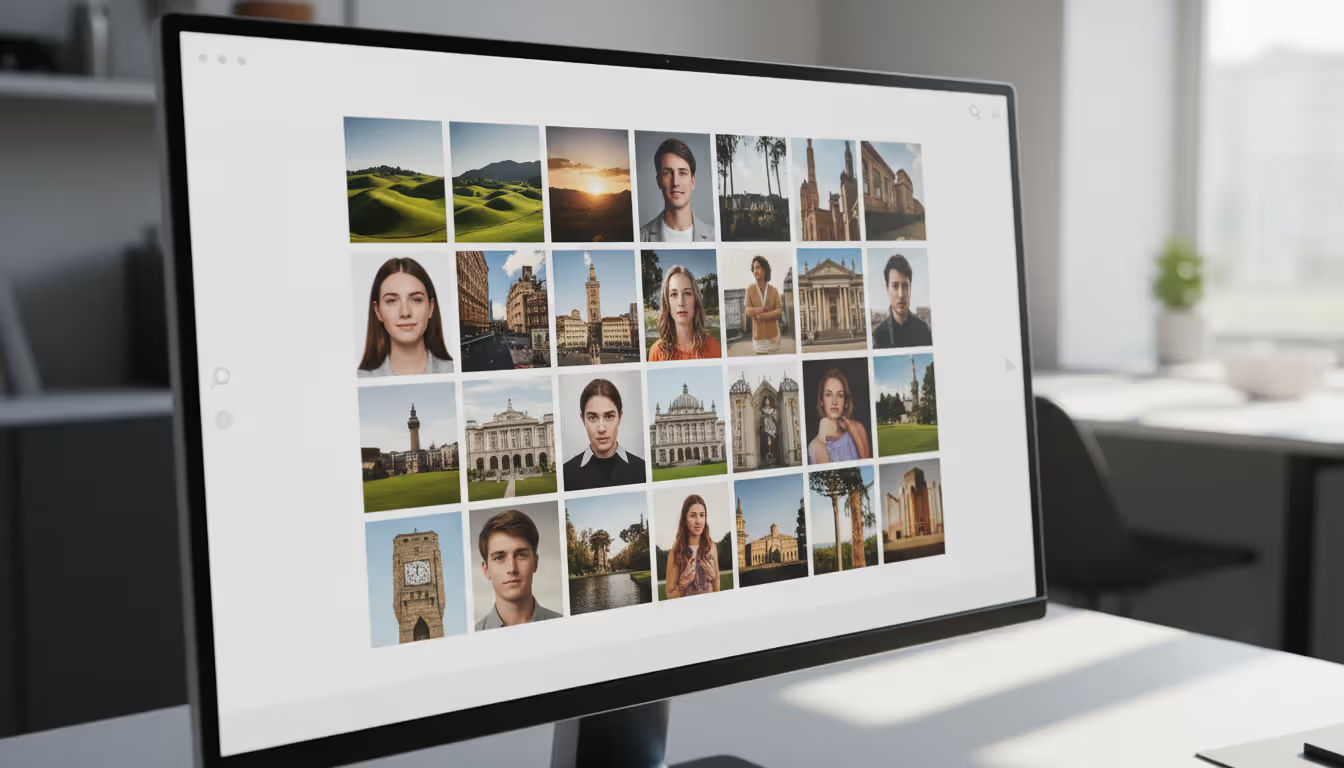
Gallery layouts separate amateur sites from professional ones. Basic grid layouts work for some genres, but wedding photographers often need before-and-after sliders, portrait photographers benefit from full-screen slideshows, and commercial photographers require categorized project galleries. The platform should offer at least five different gallery styles without requiring custom code.
Client proofing tools save enormous administrative time. Built-in features for password-protected galleries, image favoriting by clients, and direct download options eliminate the back-and-forth of email attachments. Some photographers lose bookings simply because their proofing process feels cumbersome compared to competitors who make selection effortless.
E-commerce integration matters even if you're not currently selling prints. Your business model may evolve, and migrating platforms later disrupts SEO and client familiarity. At minimum, verify the platform supports product catalogs, shopping carts, and payment processing without monthly transaction fees eating into margins.
Mobile responsiveness isn't optional—roughly 65% of photography website traffic comes from smartphones and tablets in 2026. Test any platform by viewing sample sites on your phone. Do galleries load quickly? Can you navigate without excessive pinching and zooming? Does the contact form work smoothly with mobile keyboards?
The biggest mistake I see photographers make is choosing a platform based on the backend interface rather than the client-facing experience. Your website exists for potential clients, not for you. If it takes more than three seconds to load your portfolio or if navigation feels confusing, you've lost the booking before they even see your best work
— Marcus Chen
Free vs Paid Photography Website Builders
Free photography website builders appeal to photographers just starting out or hobbyists who don't need advanced features. The trade-offs, however, extend beyond just displaying a platform's branding on your site.
Storage limitations hit photographers harder than other professions. A free plan offering 500MB of storage sounds reasonable until you realize that's roughly 50-75 optimized portfolio images. If you shoot weddings and want to showcase multiple full galleries, you'll hit that ceiling within your first project. Free plans typically cap you at 10-20 gallery pages, which works for minimalist portfolios but not for photographers who need separate galleries for weddings, portraits, commercial work, and personal projects.
Bandwidth restrictions create unpredictable problems. Your site might load fine most days, but if a blog features your work or a social media post goes viral, sudden traffic spikes can trigger bandwidth limits that take your site offline exactly when new clients are trying to view it. Paid plans usually include unmetered bandwidth or much higher thresholds.
Custom domains separate hobbyists from professionals. A URL like "yourname.freebuilder.com" signals amateur status to potential clients. Most free photography website builders either don't allow custom domains or charge separately for the privilege, often negating the "free" advantage. Paid plans include custom domain support, and many include the first year of domain registration.
SEO capabilities differ dramatically. Free plans often restrict or completely block search engine indexing, limit meta descriptions and title tag customization, and don't support structured data markup. If you're relying on Google searches for client discovery, these limitations directly impact your income potential.
The best free website builder for photographers works well for specific scenarios: students building their first portfolio, photographers testing whether they enjoy the business side enough to invest, or artists who share work purely for creative expression rather than client acquisition. Once photography becomes a revenue source—even part-time—the limitations of free plans typically cost more in lost opportunities than a paid plan costs in monthly fees.
Upgrade triggers to watch for: you're turning down projects because your storage is full, you've had to remove older work to make room for new galleries, clients mention your site loads slowly, or you're losing bookings to competitors with more professional-looking websites.
Platform
Free Tier
Paid Tier (Monthly)
Storage
Galleries
E-commerce
Custom Domain
Best For
Format
14-day trial only
$10-$20
Unlimited
Unlimited
Yes (higher tiers)
Yes
Professional portfolios
Pixpa
15-day trial only
$8-$18
10GB-500GB
Unlimited
Yes
Yes
All-in-one solution
SmugMug
No free tier
$11-$41
Unlimited
Unlimited
Yes
Yes (higher tiers)
Print sales focus
Wix
Yes (limited)
$16-$27
500MB-50GB
Limited-Unlimited
Yes (higher tiers)
Paid only
Beginners with design flexibility
Squarespace
14-day trial only
$16-$49
Unlimited
Unlimited
Yes
Yes
Design-focused photographers
Adobe Portfolio
Yes (with CC)
Included with Adobe CC
Moderate
5-Unlimited
No
Yes (with CC)
Adobe ecosystem users
Top Features to Look for in Photography Website Design
Photography website design should prioritize image presentation while maintaining fast performance and intuitive navigation. These features separate platforms that merely host photos from those that actively help you win clients.
Portfolio Display and Gallery Options
Full-screen galleries create immersive experiences that let your work speak without distraction. The platform should support edge-to-edge images that fill the browser window, with minimal interface elements until the visitor needs navigation controls. This presentation style works especially well for landscape, architectural, and fine art photography.
Lightbox functionality allows visitors to click a thumbnail and view the full image in an overlay without leaving the gallery page. Quality implementations include smooth transitions, keyboard navigation (arrow keys to move between images), and the ability to display captions or EXIF data without cluttering the image.
Grid customization determines how your portfolio feels. Some genres benefit from uniform grids where every image receives equal visual weight. Others work better with masonry layouts that accommodate different aspect ratios organically, or justified grids that maintain row alignment while varying image sizes.
Author: Olivia Wrenford;
Source: maryelizabethphoto.com
Password-protected galleries serve dual purposes: client proofing and exclusive content for returning customers. The implementation matters—some platforms require separate logins for each gallery, creating friction, while better solutions use single sign-on or allow you to share simple password links that clients can access immediately.
Client Management Tools
Contact forms seem basic, but implementation details matter. Does the form include fields for event date, photography type, and budget range? Can you customize fields based on your intake process? Does it integrate with your email or CRM system, or do inquiries just arrive in a generic inbox where they might get lost?
Booking integration eliminates the email tennis of scheduling consultations. Built-in calendar tools that show your availability and let clients book directly increase conversion rates. Some photographers report 30-40% more booked consultations simply by removing the friction of back-and-forth scheduling emails.
Questionnaire capabilities help you qualify leads before spending time on consultations. Pre-shoot questionnaires for booked clients ensure you arrive prepared. Post-shoot surveys gather testimonials while the experience is fresh. Look for platforms that include customizable form builders beyond just basic contact forms.
SEO and Mobile Optimization
Image alt text fields should be easy to add for every photo. This serves both accessibility and SEO, helping search engines understand your image content. Platforms that make alt text optional or bury it in obscure settings encourage photographers to skip this step, limiting discoverability.
Page load speed directly impacts both search rankings and booking rates. Google's research shows that 53% of mobile visitors abandon sites that take longer than three seconds to load. Your platform should automatically implement lazy loading (images load as visitors scroll), serve images in modern formats like WebP, and use content delivery networks (CDNs) to serve files from servers geographically close to each visitor.
XML sitemaps and robots.txt control should be automatic. You shouldn't need to understand technical SEO to ensure search engines can properly crawl and index your galleries. The platform should generate and update these files automatically as you add content.
Structured data markup helps search engines display rich results in search listings. For photographers, this might include aggregate ratings from testimonials, event dates for weddings you've shot, or pricing information. Most photography-specific platforms handle this automatically; generic builders often require manual implementation or plugins.
How Much Does a Photography Website Builder Cost
Monthly subscription fees represent the visible cost, but total ownership includes several additional expenses that catch photographers off guard.
Entry-level paid plans for photography website builders typically range from $8-$16 monthly when paid annually. These usually include custom domain support, basic SEO tools, and enough storage for 100-200 optimized images. They work well for photographers with focused portfolios or those just transitioning from free plans.
Mid-tier plans ($16-$25 monthly) remove most restrictions. You'll get unlimited or very high storage limits, unlimited galleries, priority support, and e-commerce capabilities. This tier suits working professionals whose website directly generates income through bookings or print sales.
Premium plans ($25-$50 monthly) add features like advanced analytics, priority customer support, higher-tier e-commerce tools with lower transaction fees, and sometimes include marketing features like email campaigns or SEO consultations. High-volume wedding photographers or commercial photographers who need extensive client portal features benefit most from this tier.
Domain registration costs $10-$20 annually if not included in your plan. Many platforms include the first year free, then charge renewal fees. Using a separate domain registrar (like Namecheap or Google Domains) often costs less and gives you more control, but adds complexity to DNS setup.
Email hosting rarely comes included. If you want yourname@yourdomain.com instead of yourname@gmail.com, expect to pay $5-$12 monthly for professional email through Google Workspace or Microsoft 365. Some photographers skip this expense by using free email with a custom domain through their hosting provider, though deliverability can suffer.
SSL certificates (the padlock icon that shows your site is secure) are now standard on reputable platforms, but verify this before committing. Sites without HTTPS encryption rank lower in search results and display scary warnings to visitors.
Transaction fees on e-commerce sales vary significantly. Some platforms charge 2-3% on top of credit card processing fees (typically 2.9% + $0.30 per transaction). Others include unlimited transactions at higher subscription tiers. If you're selling $5,000 in prints annually, a 3% transaction fee costs $150—potentially more than upgrading to a plan with no transaction fees.
ROI calculation for photographers: if your website generates even one additional booking worth $500-$2,000 (typical for portrait or wedding sessions), the annual cost of a professional platform ($200-$400) pays for itself immediately. The real question isn't whether you can afford a paid platform, but whether you can afford the bookings lost to competitors with more professional online presences.
Author: Olivia Wrenford;
Source: maryelizabethphoto.com
Common Mistakes Photographers Make When Building Their Website
Uploading full-resolution files directly to your website creates painfully slow load times. That 8MB RAW file exported at maximum quality looks identical to a properly optimized 400KB JPEG on screen, but takes 20 times longer to load. Visitors won't wait—they'll assume your site is broken and leave. Use your website builder's automatic optimization, or manually export images at 2048 pixels on the long edge with 60-70% JPEG quality for web use.
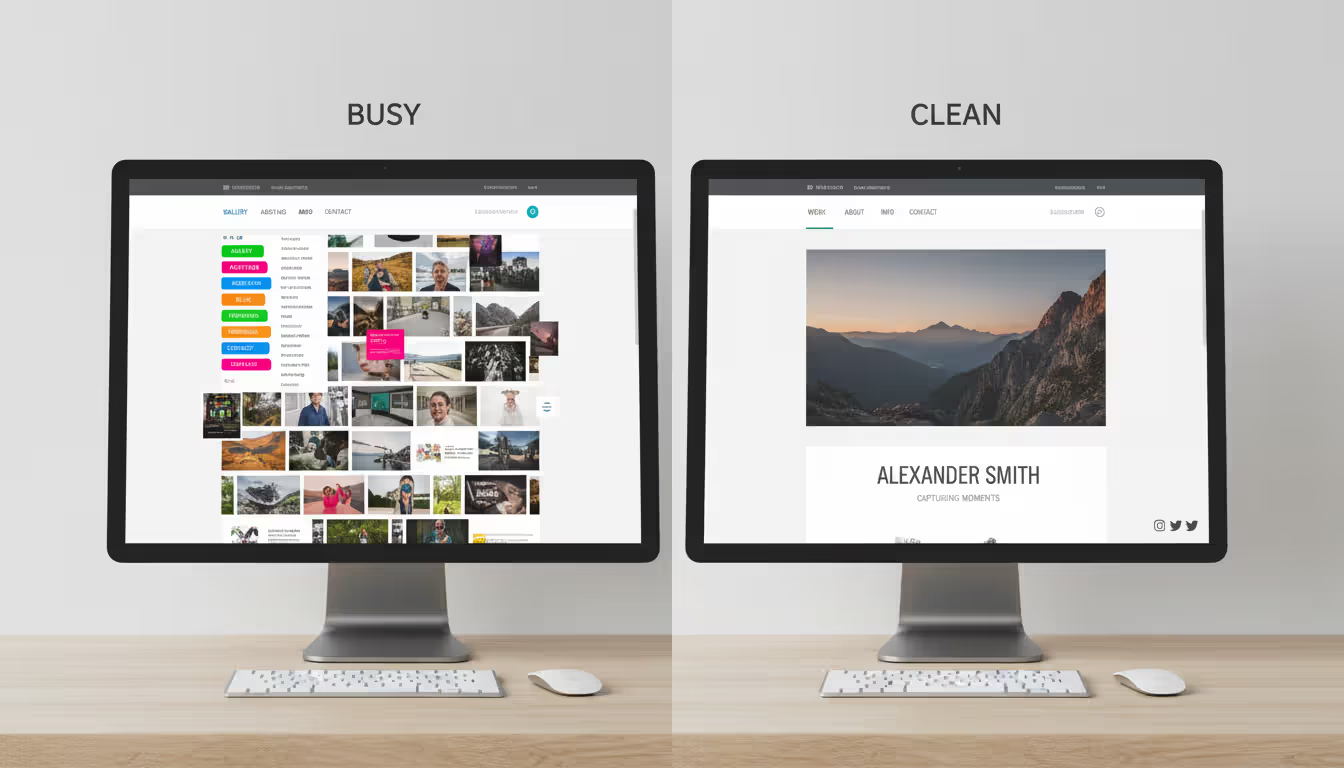
Overcomplicated navigation confuses visitors who just want to see your work. Menus with 15 different gallery categories, nested subcategories, and clever but unclear labels create decision paralysis. Stick to 5-7 main navigation items maximum. Categories like "Weddings," "Portraits," "Commercial," and "About" work better than creative labels that require interpretation.
Missing or buried contact information loses bookings. Your contact form or email should be accessible from every page, ideally in the main navigation and footer. Photographers sometimes hide contact info on an "About" page, assuming visitors will explore the entire site. Most won't—they'll view 2-3 pages maximum before deciding whether to reach out.
Autoplay music or video backgrounds annoy more visitors than they impress. What seems atmospheric to you is often jarring to someone browsing during their lunch break or in a quiet office. If you must include audio or video, make it click-to-play and easy to stop.
Choosing templates based on aesthetics rather than functionality creates long-term problems. That beautiful parallax scrolling homepage might look stunning, but if it takes four seconds to load or confuses mobile users, it's costing you money. Test templates thoroughly on multiple devices before committing.
Neglecting SEO setup during initial build means starting from zero for search visibility. Even if you don't understand technical SEO, complete basic steps: add descriptive page titles and meta descriptions, fill in image alt text, submit your sitemap to Google Search Console, and ensure your site is mobile-friendly. These take minimal time during setup but require significant effort to retrofit later.
Using too many fonts or colors dilutes your brand and looks unprofessional. Stick to two fonts maximum—one for headings, one for body text. Choose a primary brand color and one or two accent colors. Your images should provide visual variety; your website design should provide consistent framing.
Author: Olivia Wrenford;
Source: maryelizabethphoto.com
How to Migrate Your Photography Portfolio to a New Platform
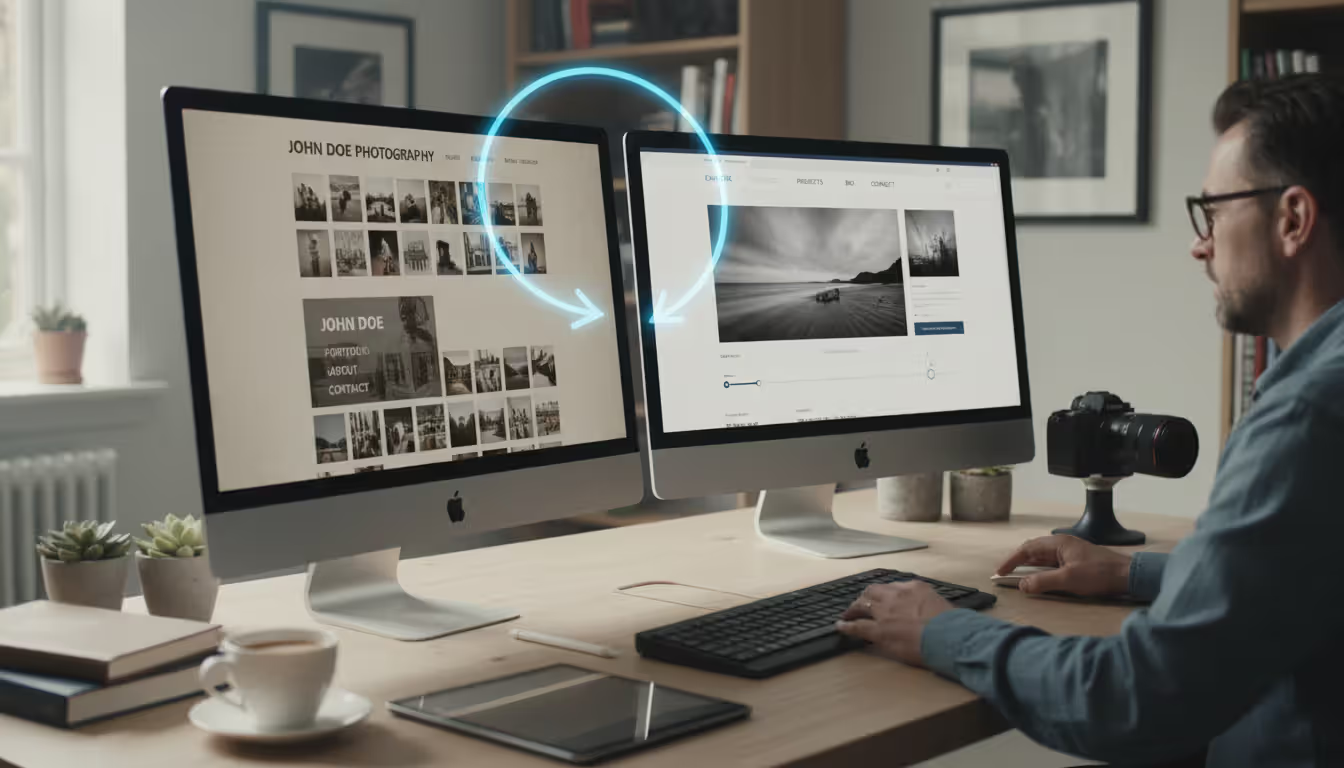
Switching photography website builders feels daunting, but systematic approach minimizes disruption and preserves your search engine rankings.
Start by auditing your current site. Document all pages, galleries, and their URLs. Screenshot your navigation structure. Export any blog posts or written content. Download all images if you don't have local copies—don't assume you can retrieve them later. Create a spreadsheet listing every page's URL and its purpose.
Choose your new platform and build the complete site before switching your domain. Most platforms offer staging environments or allow you to build on a temporary subdomain. Recreate your site structure, upload images, and test thoroughly. This prevents the "under construction" period that damages credibility.
Preserve SEO value through proper redirects. When your URLs change (they almost always do during platform migration), set up 301 redirects from old URLs to corresponding new pages. If your old site was yourname.com/weddings/smith-wedding and your new site uses yourname.com/gallery/smith-wedding, create a redirect so visitors and search engines find the content at its new location. Most photography website builders include redirect tools; if not, you may need to manage this through your domain registrar.
Transfer your domain carefully. If you're keeping the same domain name (you should—changing domains resets your SEO), update your DNS settings to point to your new platform. This process varies by registrar but typically involves changing nameservers or A records. Keep your old site running until DNS propagation completes (24-48 hours) to avoid downtime.
Notify Google of the change by updating your sitemap in Google Search Console. Submit your new sitemap and monitor the index coverage report to ensure Google successfully crawls your new site structure. You may see temporary ranking fluctuations, but proper redirects minimize this.
Update all external links you control. Change your social media profile links, email signature, business cards (if printed), and directory listings to reflect any URL structure changes. While redirects handle this technically, direct links perform better.
Monitor analytics closely for the first month. Watch for broken links, pages that lost traffic, or galleries that aren't being found. Address issues quickly—the first few weeks after migration are critical for maintaining search visibility and user experience.
Inform your email list if you have one. Send a brief announcement showcasing your new site and any improved features. This drives initial traffic that signals to search engines that your new site is active and valuable.
Common migration pitfall: assuming "export" features will transfer everything. Most platforms export images and basic content, but custom layouts, embedded videos, contact form submissions, and client gallery passwords rarely transfer automatically. Budget extra time for manual recreation of these elements.
Author: Olivia Wrenford;
Source: maryelizabethphoto.com
Frequently Asked Questions
Do I need coding skills to use a photography website builder?
No coding knowledge is required for modern photography website builders. These platforms use drag-and-drop editors and pre-designed templates specifically created for visual portfolios. You'll spend your time selecting layouts, uploading images, and writing descriptions—not touching HTML or CSS. That said, basic customization options (changing colors, fonts, or spacing) are usually available for those who want them, but they're optional rather than necessary.
Can I sell prints directly from my photography website?
Yes, most professional photography website builders include e-commerce functionality that allows you to sell prints, digital downloads, or photography services directly from your site. You'll typically set up product catalogs with pricing, connect a payment processor like Stripe or PayPal, and configure shipping options. Some platforms integrate with professional print labs that handle fulfillment automatically—you make the sale, and the lab prints and ships the product. Transaction fees and available features vary by platform and pricing tier, so verify e-commerce capabilities match your needs before committing.
Which free photography website builder has the best templates?
Adobe Portfolio offers the strongest templates among truly free options, though it requires an active Adobe Creative Cloud subscription (which most professional photographers already have). For completely free standalone options, Wix provides the most template variety, though free plans include Wix branding and limited functionality. However, "free" photography website builders typically impose significant restrictions on storage, custom domains, and features. Most professional photographers find that even the most attractive free templates can't compensate for the limitations that impact client experience and booking conversion.
How long does it take to build a photography website?
A basic portfolio site can be functional in 4-6 hours if you have your content organized—curated images, written bio, service descriptions, and pricing information ready to upload. More complex sites with multiple galleries, e-commerce setup, client proofing areas, and blog sections might take 15-20 hours spread across several days. The biggest time investment isn't the technical building but the content decisions: which images to feature, how to organize galleries, and what messaging resonates with your target clients. First-time builders should budget a full weekend, while experienced users can often refresh their site or migrate to a new platform in an afternoon.
Can I use my own domain name with a free website builder?
Most free photography website builders either don't support custom domains or charge extra for the feature, which typically requires upgrading to a paid plan. For example, Wix's free plan only allows yourname.wixsite.com URLs; custom domains require their paid plans starting around $16 monthly. Adobe Portfolio includes custom domain support for Creative Cloud subscribers at no additional cost. The technical reason: custom domains require DNS configuration and SSL certificate management, which have real costs that free tiers can't absorb. If professional branding matters for your photography business, factor custom domain support into your platform decision from the start.
What's the difference between a website builder and WordPress for photographers?
Website builders offer all-in-one solutions—hosting, design templates, and features are bundled and managed by one company. You don't worry about updates, security patches, or plugin compatibility. WordPress is a content management system that requires separate hosting, theme selection, and plugin installation to achieve similar functionality. WordPress offers more customization flexibility and typically lower long-term costs, but demands more technical knowledge and ongoing maintenance. For photographers who want to focus on shooting rather than website management, dedicated photography website builders provide better value. WordPress makes sense for photographers who enjoy technical tinkering, need very specific custom features, or are building content-heavy sites with extensive blogs or educational resources.
Selecting a photography website builder comes down to matching platform capabilities with your specific business needs and technical comfort level. Free options work for hobbyists and students testing the waters, but professional photographers typically find that paid platforms deliver better client experiences and more bookings—easily justifying the monthly investment.
The best photography website builder for you handles image optimization automatically, offers gallery layouts that showcase your style effectively, includes client management tools that streamline your workflow, and provides room for growth as your business evolves. Avoid platforms that require workarounds or third-party integrations for core photography features.
Start by clearly defining your requirements: how many galleries you need, whether you'll sell prints or digital products, what client proofing features matter most, and how much time you're willing to invest in setup and maintenance. Test 2-3 platforms using their free trials, focusing on the client-facing experience rather than just the backend interface. Your website exists to win bookings, not to impress you with dashboard features.
Remember that your website is never truly finished—it should evolve as your portfolio grows and your business develops. Choose a platform that makes updates easy enough that you'll actually maintain fresh content rather than letting your site stagnate with work from two years ago. The photographers who succeed online are those who treat their website as a living portfolio that reflects their current capabilities and style.
Choosing the right platform for your photography portfolio can make or break your online presence. Squarespace has become a go-to solution for photographers who want professional-looking websites without hiring a developer. This guide walks through actual portfolios, what makes them work, and how to build yours
Photography businesses that rank on Google's first page win the clients—everyone else competes for scraps. This guide reveals exactly how to optimize your photography website for search, dominate local results, and convert organic traffic into bookings without spending on ads
Your photography website collects more personal data than you might realize. Every contact form, gallery password, and booking creates legal obligations. Learn what to include in your privacy policy, platform-specific requirements, and common mistakes photographers make
Finding the right website template can make or break your photography business's online presence. A well-chosen template saves hundreds of hours compared to building from scratch while still delivering a professional showcase for your work
The content on this website is provided for general informational and educational purposes only. It is intended to explain concepts related to running a photography business, insurance coverage, marketing, websites, and professional development.
All information on this website, including articles, guides, and examples, is presented for general educational purposes. Outcomes may vary depending on business size, location, and individual choices.
This website does not provide professional legal, insurance, financial, or business advice, and the information presented should not be used as a substitute for consultation with qualified professionals.
The website and its authors are not responsible for any errors or omissions, or for any outcomes resulting from decisions made based on the information provided on this website.