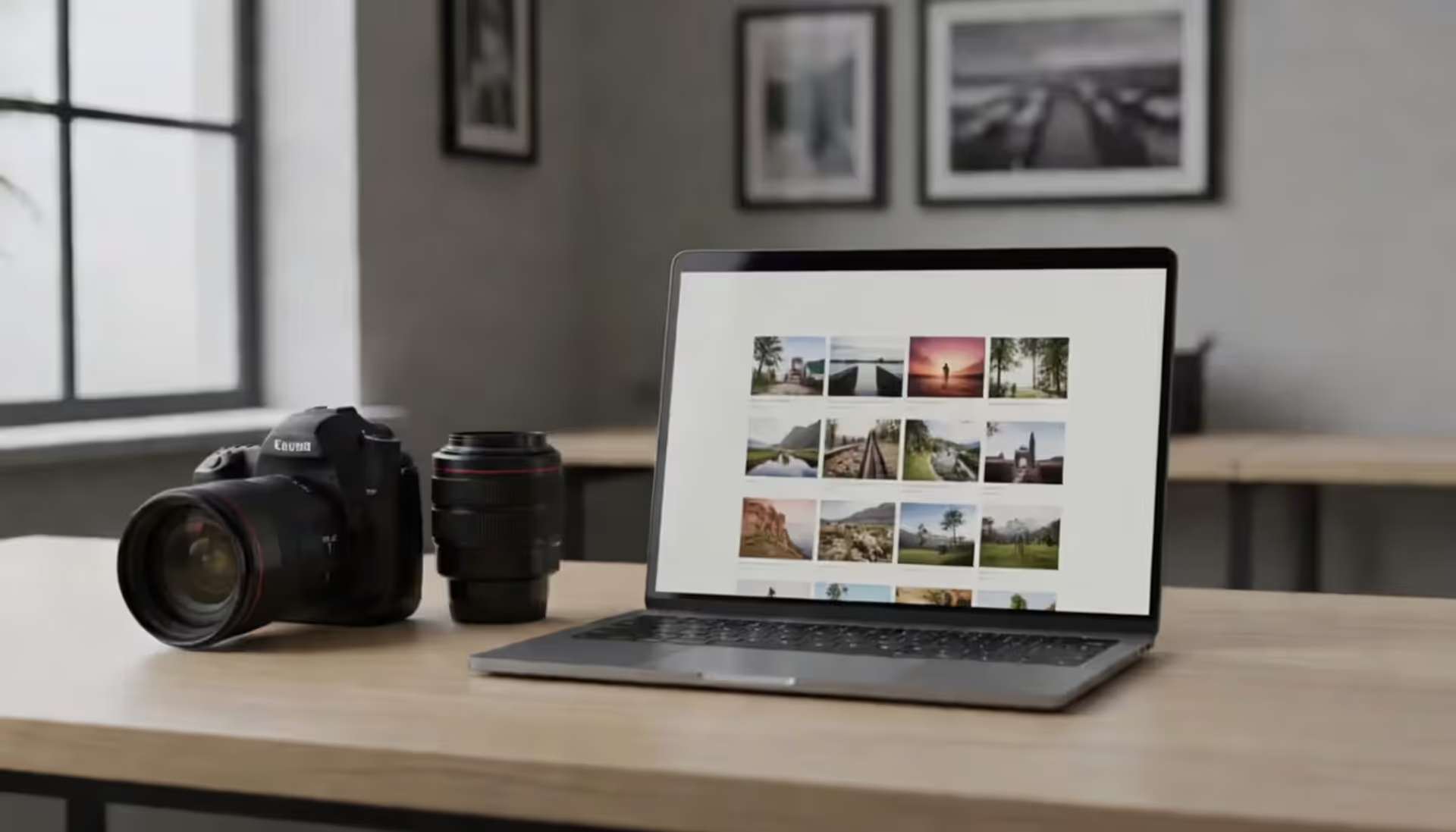
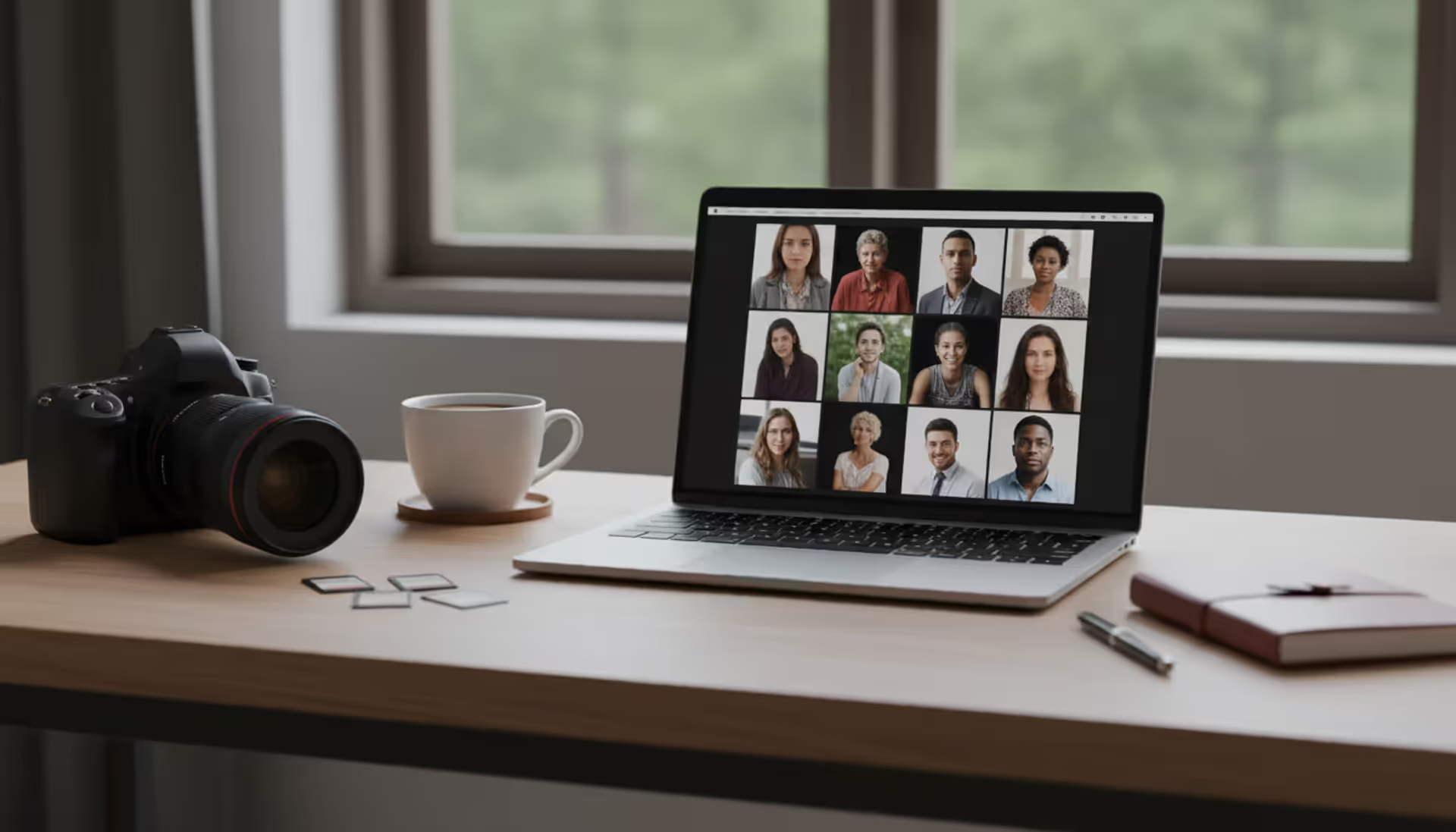
Your photography website collects more personal data than you might realize. Every contact form submission, gallery password, booking calendar entry, and payment transaction creates a legal obligation to disclose how you handle that information.
A privacy policy protects both you and your clients. For photographers, this document addresses unique concerns: how you store wedding photos, who can access newborn session galleries, whether you sell client email lists to third parties, and how long you retain personal information after a project ends.
Creating one doesn't require a law degree, but it does demand attention to the specific ways photography businesses collect and use data. Generic templates miss critical details about image metadata, gallery-sharing practices, and the third-party tools most photographers rely on daily.
Why Photography Websites Need a Privacy Policy
Legal compliance drives the baseline requirement. The California Consumer Privacy Act (CCPA) applies to any business collecting personal information from California residents, regardless of where you're physically located. If you've photographed a destination wedding in Napa or accepted an inquiry from someone in Los Angeles, you're subject to CCPA rules.
The General Data Protection Regulation (GDPR) extends this internationally. Destination wedding photographers, elopement specialists, and anyone marketing to European clients must comply with GDPR's stricter consent and data portability requirements.
Beyond legal mandates, client trust matters. Wedding clients share home addresses for engagement sessions, parents provide children's names and birthdates, corporate clients send employee headshots containing biometric data. A clear privacy policy signals professionalism and demonstrates you take data protection seriously.
Photography businesses collect data differently than typical service providers. You're not just gathering names and emails—you're storing high-resolution images with embedded GPS coordinates, managing password-protected galleries with expiration dates, integrating booking calendars that sync with personal schedules, and processing payments that reveal spending patterns. Each of these touchpoints requires specific privacy disclosures.
Author: Samantha Corbett;
Source: maryelizabethphoto.com
What Information Your Privacy Policy Must Cover
Start with basic personal data: names, email addresses, phone numbers, mailing addresses, and payment information. Specify exactly what you collect at each stage—inquiry forms might only capture names and emails, while booking systems require full addresses and credit card details.
Client photos deserve dedicated attention. Explain how you store images (cloud servers, local drives, or both), how long you retain RAW files versus edited JPEGs, and whether you use client photos for portfolio or marketing purposes. Address metadata concerns explicitly. Modern cameras embed location data, timestamps, and camera settings in image files. Do you strip this metadata before delivering galleries? Do you use it for internal organization?
Third-party tools create additional disclosure obligations. Most photographers use:
Each service accesses client data. Your privacy policy must identify these tools and link to their privacy policies.
Cookie usage requires disclosure even if you're not actively tracking visitors. Google Analytics, Facebook Pixel, and Pinterest tags all place cookies. Website builders often install analytics cookies by default. List what cookies your site uses, their purpose, and how visitors can opt out.
Privacy Policy Requirements for Different Photography Website Platforms
Custom-built sites vs. website builders
Custom websites give you complete control over privacy implementations but require manual policy creation. You'll need to audit every form, plugin, and integration yourself. WordPress sites with multiple plugins create complex data flows—contact form plugins, caching tools, security plugins, and gallery systems each collect different information.
Website builders simplify compliance by offering built-in privacy tools, but they also add the platform itself as a data processor. When you use Squarespace or Wix, client data passes through their servers. Your privacy policy must disclose this relationship.
Squarespace includes a privacy policy generator covering basic data collection, but you must customize it for photography-specific practices. Their commerce tools automatically handle payment data disclosures.
Wix provides privacy policy templates through their App Market. Their built-in cookie consent banner helps with tracking disclosures, but template language is generic and needs photography-specific additions.
WordPress offers no native privacy tools beyond basic cookie consent notices. You'll rely on plugins like WP Privacy Policy Generator or hire an attorney. The flexibility means you can create highly customized policies, but also means more work.
Pixieset and SmugMug function as both website builders and gallery hosts. Their terms of service explain how they process data, but you still need your own privacy policy explaining your practices—how long you keep galleries active, who you share images with, and whether you use photos for marketing.
How to Write Your Photography Website Privacy Policy
Privacy policy generators offer a starting point. Tools like TermsFeed, Termly, and iubenda ask questions about your business practices and generate customized policies. Free versions cover basics; paid tiers add platform-specific clauses and automatic updates when laws change.
Generators work for straightforward businesses but miss photography nuances. They won't automatically include clauses about:
Client gallery password sharing policies
How you handle photos of minors
Social media tagging practices
Print lab data sharing
Album design software that processes client images
Second shooter or assistant access to client files
Hiring an attorney costs $500–$2,000 but provides tailored protection. Attorneys familiar with photography businesses understand industry-specific risks and can draft policies covering model releases, copyright notices, and image licensing alongside privacy disclosures.
The middle path: start with a generator, then customize for photography scenarios. Add sections explaining:
Your gallery retention timeline (30 days? One year? Indefinitely?)
Whether clients can request image deletion
How you handle requests to remove photos from your portfolio
What happens to data if you sell your business or stop operating
Display your privacy policy prominently. Link it in your website footer on every page. Include it in booking confirmation emails. Reference it in client contracts. Some photographers add a checkbox to contact forms: "I agree to the privacy policy" with a hyperlink to the full document.
Update your policy whenever you add new tools or change practices. Switched from Pixieset to ShootProof? Update the third-party section. Started using Google Analytics? Add cookie disclosures. Began offering video services with different storage practices? Revise data retention clauses.
Author: Samantha Corbett;
Source: maryelizabethphoto.com
Common Privacy Policy Mistakes Photography Website Designers Make
Generic templates create the most common problem. Copying a policy from a retail website or blog leaves gaps. Photography businesses store sensitive images, not just contact information. A policy that doesn't address photo storage, gallery access, or image usage rights fails to cover your actual practices.
Missing client gallery disclosures creates confusion and potential liability. Do gallery passwords expire? Can clients download high-resolution files? Do you track who views galleries? These operational details belong in your privacy policy.
State-specific laws get overlooked. California's CCPA is most well-known, but Virginia's Consumer Data Protection Act (CDPA), Colorado Privacy Act (CPA), Connecticut's data privacy law, and Utah's Consumer Privacy Act all impose requirements. Multi-state photographers need policies addressing the strictest applicable law.
Failing to update after adding tools creates mismatches between stated and actual practices. You add Calendly for booking, start using Flodesk for email marketing, or integrate a new payment processor—each change requires policy updates. An outdated policy that doesn't mention tools you're actively using undermines credibility and creates legal exposure.
Vague language about photo usage causes problems. "We may use your photos for marketing" doesn't specify where (website portfolio, Instagram, print advertising?) or how clients can opt out. Be specific: "We may display up to 15 edited images from your session in our online portfolio and Instagram account. You can request removal of specific images at any time by emailing us."
Ignoring children's privacy creates COPPA violations. The Children's Online Privacy Protection Act restricts collecting information from children under 13. Newborn, child, and family photographers need explicit policies about photographing minors and obtaining parental consent.
Author: Samantha Corbett;
Source: maryelizabethphoto.com
Examples of Privacy Policies on Professional Photography Websites
Top photographers balance legal completeness with readability. They avoid walls of legalese by using:
Clear headings that let visitors scan for relevant sections
Plain language explanations before legal terminology
Specific examples instead of abstract descriptions
Visual formatting with bullet points and short paragraphs
Professional photography websites examples show different presentation approaches. Some photographers create dedicated privacy policy pages with tables of contents linking to specific sections. Others integrate privacy information into broader "Legal" or "Policies" pages alongside terms of service and model release information.
Design-conscious photographers treat privacy policies as part of their brand experience. They use consistent fonts, colors, and spacing matching their main site design. Photography website design ideas for privacy pages include:
Accordion-style sections that expand when clicked
Sidebar navigation for long policies
Summary boxes highlighting key points
Last updated dates prominently displayed
Contact information for privacy questions
One effective pattern: a brief summary at the top explaining "what you need to know" in 3–4 bullet points, followed by the complete legal policy below. This serves both visitors wanting quick answers and those seeking comprehensive details.
A privacy policy isn't just a legal formality—it's a trust document. When clients see you're transparent about how you handle their personal information and photos, they feel confident choosing you as their photographer
— Sarah Thompson
FAQ: Privacy Policy for Photography Websites
Do I need a privacy policy if I only shoot locally?
Yes. Even local photographers collect personal data through contact forms, booking systems, and payment processing. State laws like CCPA apply based on where your clients live, not where you operate. If a California resident books you for a session in another state, CCPA still applies.
What happens if I don't have a privacy policy?
You risk regulatory fines, legal action from clients, and platform penalties. Website builders like Squarespace and Wix require privacy policies in their terms of service. Google may penalize sites without privacy policies in search rankings. More importantly, clients increasingly expect privacy disclosures—operating without one damages trust.
Can I copy another photographer's privacy policy?
No. Each photographer's practices differ, making direct copying both legally risky and potentially inaccurate. You might use different gallery platforms, retention schedules, or marketing practices. Copying also violates copyright. Use other policies as reference points, but create your own based on your actual practices.
How often should I update my privacy policy?
Review it every six months and update immediately when you change tools or practices. Add a "last updated" date at the top. Major updates warrant notifying existing clients via email. Minor clarifications can be made silently, though documenting changes helps if questions arise later.
Do I need separate policies for my blog and client galleries?
Not necessarily, but your single policy must address both. Blog readers and gallery clients have different privacy concerns. Blog visitors care about cookies and email list practices. Gallery clients want to know about photo storage and access controls. One comprehensive policy can cover both audiences with clearly labeled sections.
Should my privacy policy mention social media usage of client photos?
Absolutely. Specify which platforms you use (Instagram, Facebook, Pinterest), what types of images you share (portfolio highlights, behind-the-scenes, sneak peeks), and how clients can opt out. Address tagging practices—do you tag clients in posts? Do you allow clients to download and share their own images? These details prevent misunderstandings and protect both parties.
Creating a privacy policy for your photography website protects your business while building client trust. Start by auditing what data you actually collect—from initial contact forms through final gallery delivery. Identify every third-party tool that touches client information. Then either use a specialized generator and customize it, or hire an attorney familiar with photography businesses.
Your privacy policy should reflect your specific practices, not generic templates. Address photo storage, gallery access, metadata handling, and the unique ways photography businesses use client information. Display it prominently, update it regularly, and treat it as a living document that evolves with your business.
The photographers who handle privacy well don't hide behind legal jargon. They explain their practices clearly, give clients control over their information and images, and demonstrate that data protection matters as much as image quality. That transparency becomes a competitive advantage in a market where clients increasingly value privacy and professionalism equally.
Choosing the right platform for your photography portfolio can make or break your online presence. Squarespace has become a go-to solution for photographers who want professional-looking websites without hiring a developer. This guide walks through actual portfolios, what makes them work, and how to build yours
Photography businesses that rank on Google's first page win the clients—everyone else competes for scraps. This guide reveals exactly how to optimize your photography website for search, dominate local results, and convert organic traffic into bookings without spending on ads
Finding the right website template can make or break your photography business's online presence. A well-chosen template saves hundreds of hours compared to building from scratch while still delivering a professional showcase for your work
Building a photography website requires more than uploading images to a template. The platform you choose determines how clients experience your work, whether you can close sales efficiently, and how much time you'll spend on maintenance versus shooting
The content on this website is provided for general informational and educational purposes only. It is intended to explain concepts related to running a photography business, insurance coverage, marketing, websites, and professional development.
All information on this website, including articles, guides, and examples, is presented for general educational purposes. Outcomes may vary depending on business size, location, and individual choices.
This website does not provide professional legal, insurance, financial, or business advice, and the information presented should not be used as a substitute for consultation with qualified professionals.
The website and its authors are not responsible for any errors or omissions, or for any outcomes resulting from decisions made based on the information provided on this website.