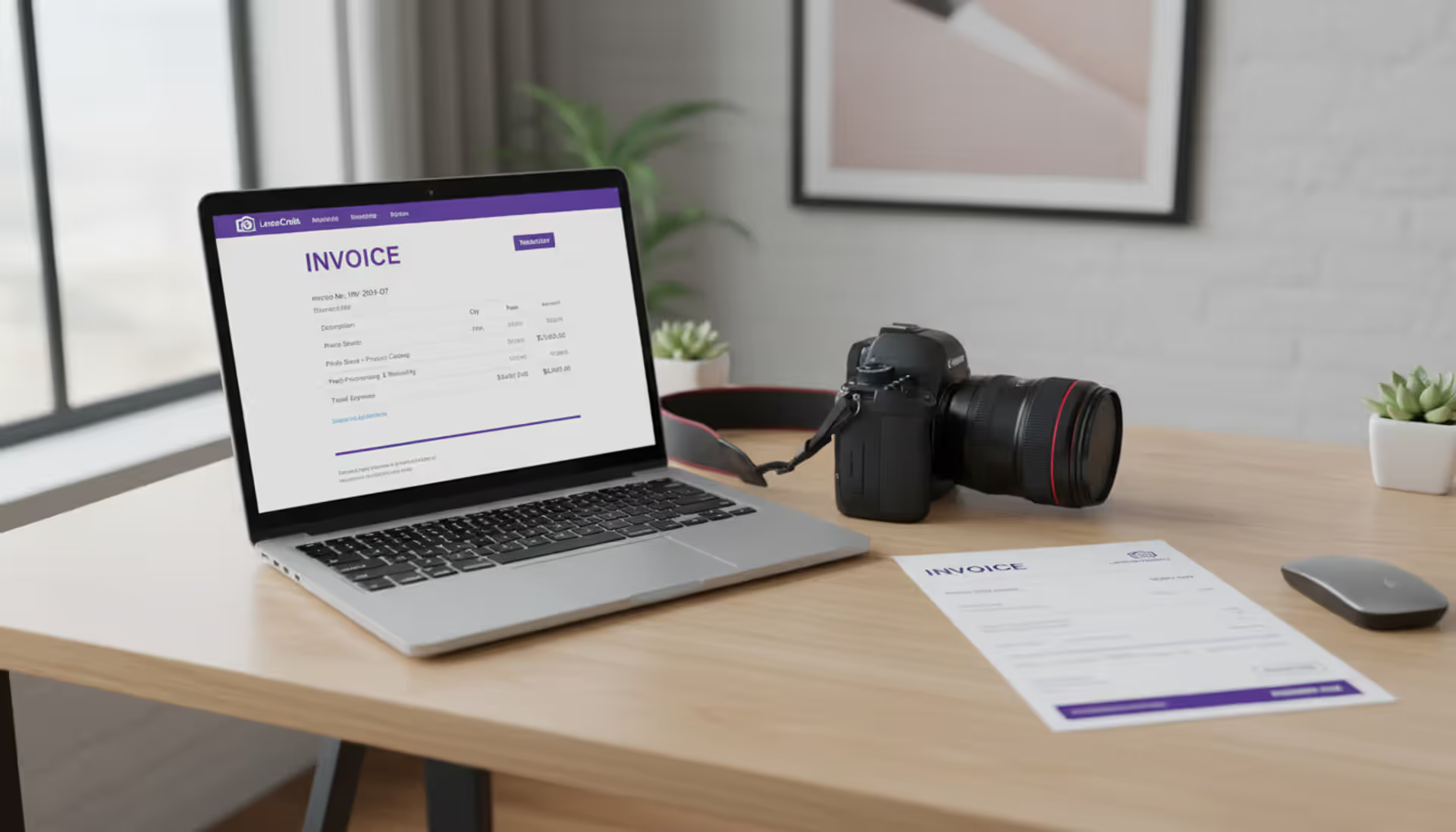
Most photographers hate chasing payments. You'd rather be behind the camera than sending "just following up..." emails for the third time. But here's the thing—when clients pay late or "forget" what they owe, it's usually because your invoice was confusing, incomplete, or never sent at all.
A solid photography invoice does heavy lifting beyond asking for money. It documents what you delivered, establishes when you expect payment, and gives you actual legal standing if someone decides not to pay. Shooting weddings? Corporate events? Product photos for e-commerce brands? The invoicing fundamentals stay the same, even if the details shift.
You'll learn exactly what belongs on an invoice, how to build one that actually gets paid, where to find templates that won't cost you a dime, and which common screwups drain thousands from photographers every year.
What Is a Photography Invoice and Why You Need One
Think of a photography invoice as your official payment request after completing a job. It documents the services you provided, specifies the amount owed, and establishes the payment deadline. Here's how it differs from similar documents: quotes estimate costs before anyone commits, receipts confirm money already received, while invoices bridge the gap—they acknowledge finished work and formally request payment.
This matters for three big reasons:
You get legal backup. When a client vanishes without paying, your invoice becomes courtroom evidence. Small claims judges want to see professional documentation. Text messages saying "cool, sounds good!" won't cut it when you're trying to recover $3,000.
Cash flow becomes predictable. Photography businesses run on tight margins. You might drop $800 on an assistant and equipment rentals before the client's check clears. Invoices with specific due dates let you forecast when money hits your account, so you're not overdrafting to cover expenses.
Clients see you as legitimate. Professional businesses send professional invoices. A well-formatted document signals you're running a real company, which psychologically pushes clients toward faster payment. Venmo requests with pizza emojis? Not so much.
Author: Caleb Renshaw;
Source: maryelizabethphoto.com
Some freelancers skip invoices for smaller gigs, thinking a quick payment app message works fine. That's true until the $600 headshot session turns into a collections nightmare because you can't prove what was agreed upon.
What to Include on a Photography Invoice
Every photography invoice needs certain mandatory pieces (for legal and tax compliance) plus optional elements that shield you from payment drama.
Non-negotiable components:
Your business details. Include your legal business name, physical address, phone number, email, and tax identification number. Operating as an LLC? Use that name consistently—not your nickname or personal name.
Client information. Capture their full name or registered company name, billing address, and primary contact info. Corporate clients often provide purchase order numbers—add that if they gave you one, since their accounting department needs it to process payment.
Unique invoice number. Assign each invoice a distinct identifier. I recommend "2026-045" format (year plus sequential count). This prevents confusion during bookkeeping and makes conversations with late-paying clients much easier when you can reference "invoice 2026-045" instead of "that thing I sent in March."
Invoice date and payment deadline. Invoice date marks when you sent it; due date specifies when payment must arrive. Standard terms include Net 15 (payment within 15 days) or Net 30 (within 30 days). Clients with sketchy payment records? Use "Due upon receipt."
Detailed service breakdown. Get specific here. Rather than "Wedding photography - $3,000," try "8-hour on-site coverage, lead photographer plus assistant, 600+ professionally edited high-resolution digital images, private online gallery with download rights." Specificity prevents disputes.
Pricing structure and calculations. Show your rate basis—hourly, project flat fee, or day rate—then display subtotals, applicable discounts, sales tax, and the final total. Already collected a deposit? Subtract it clearly and highlight the remaining balance.
Accepted payment methods. Spell out exactly how clients can pay: bank transfer (include routing and account numbers), business checks mailed to your address, credit cards through Square or Stripe, PayPal, Zelle. Remove every possible friction point.
Terms and consequences. Define your late fee structure (such as "1.5% monthly interest accrues on balances overdue beyond 30 days") and note any early payment discounts if you offer them.
Required Legal Elements by State
Most states don't dictate invoice formatting for service providers, but sales tax requirements vary dramatically. Selling physical goods like prints, albums, or USB drives? You'll likely need to collect sales tax based on your location and where the client receives the product.
California, for example, requires sales tax on tangible items but exempts purely digital deliverables. Texas taxes physical products and certain digital goods. Your state's Department of Revenue website has specific rules—or hire a local accountant for 30 minutes to get clarity.
Business entity registration adds another layer. If you operate as an LLC or corporation, some states mandate displaying your registration number on invoices. New York requires certain service businesses to show their Certificate of Authority number.
Optional Add-Ons That Protect You
Payment milestone schedule. Wedding photographers often split payments: 25% retainer to secure the date, 50% one week before the event, final 25% when you deliver the gallery. Documenting this on every invoice eliminates "I thought I could pay everything later" arguments.
Late fee language. Try something like "Balances unpaid 30 days past due date will accrue 1.5% monthly interest." Most states allow this, and it gives you actual leverage when someone's dragging their feet.
Copyright reminder. A simple line—"Photographer retains all image copyrights until final payment clears"—protects your work if clients try using photos before paying you.
Scope reference. One sentence like "This invoice covers the May 10, 2026 corporate team headshot session for 15 employees per our signed agreement" connects the invoice back to your contract and prevents scope disputes.
How to Create a Photography Invoice in 5 Steps
Building your first freelance photography invoice feels clunky, but you'll develop a rhythm quickly.
Step 1: Pick your tool. Options range from handwritten (please don't), to Microsoft Word/Excel templates, to accounting software like QuickBooks or FreshBooks that generates PDFs, to free online invoice builders. Invoice once a month? Free templates work fine. Billing weekly? Invest in software that auto-tracks payments and sends reminders.
Step 2: Insert your branding. Drop in your logo, use your brand colors, apply your standard fonts. This isn't ego—branded invoices look credible and don't get buried in spam folders. Just keep it clean. Overdesigned invoices become hard to scan quickly.
Author: Caleb Renshaw;
Source: maryelizabethphoto.com
Step 3: Break down every charge. Use separate line items for different services. Wedding coverage? Split ceremony and reception into distinct entries. Sold prints? List each size and quantity individually. Transparency cuts disputes and helps corporate clients justify expenses to their finance teams.
Step 4: Define payment expectations. Select a due date that matches your cash needs and the client's track record. First-time clients get Net 15; established clients with solid payment history might get Net 30. Always specify your preferred payment method and include direct links or account details.
Step 5: Send and monitor. Email invoices as PDF attachments—never Word documents that clients can edit. Log every invoice in accounting software or a simple spreadsheet: send date, amount, due date, payment status. Calendar a follow-up reminder three days before the deadline if you haven't received payment.
A clear, professional invoice isn't just about getting paid—it's about setting expectations and protecting your business. The photographers who struggle with cash flow are usually the ones who treat invoicing as an afterthought
— Marcus Chen
Free Photography Invoice Templates You Can Use Today
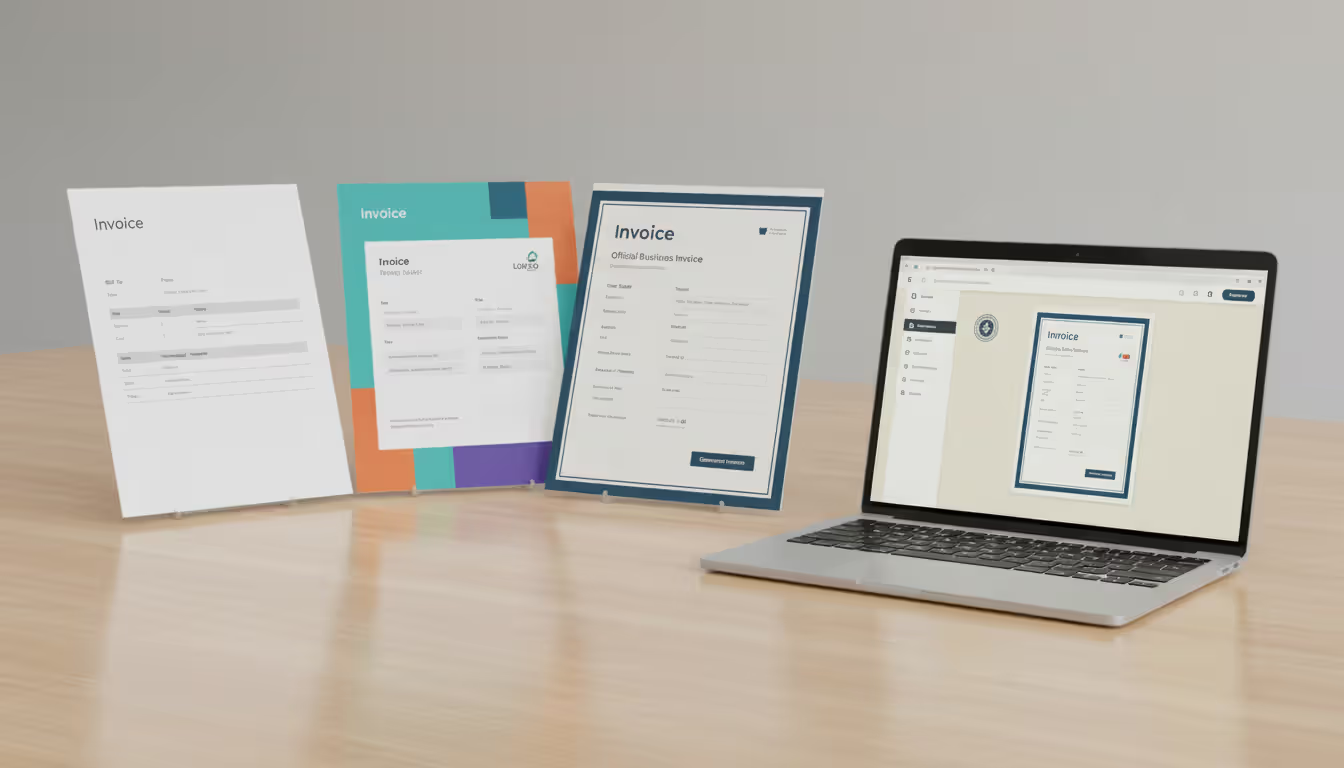
Professional invoices don't require expensive software. Plenty of free options exist, each with tradeoffs.
Microsoft Word and Excel templates. Office 365 ships with customizable invoice templates. They're straightforward, compatible with everything, and export to PDF easily. The catch: zero automation, meaning you'll track every invoice manually.
Google Docs and Sheets templates. Search the template gallery for "invoice." These shine when you're collaborating with bookkeepers or assistants since everyone accesses the same cloud file. Like Microsoft options, they won't track payments automatically.
PDF invoice generators. Sites like Invoice-Generator.com and Zoho Invoice let you complete a web form and download a finished PDF instantly. Perfect for occasional projects, though you'll need your own system for saving copies and monitoring payment status.
Accounting software free plans. Wave offers completely free invoice generation (ad-supported). FreshBooks and QuickBooks provide limited free tiers that handle invoicing, payment tracking, and automatic reminders. Wave's truly free; FreshBooks and QuickBooks cap monthly client or invoice counts. Billing more than five clients monthly? These tools save serious time.
Wedding photography invoice template considerations. Wedding invoices often juggle multiple payment checkpoints, travel charges, and overtime fees. Hunt for templates with deposit sections, balance-due dates linked to event dates, and line items for extras like engagement shoots or printed albums. Many wedding photographers embed timelines directly: "25% retainer (received), 50% due June 1, 2026, final 25% due upon gallery delivery."
Freelance photography invoice template customization. General freelance templates handle corporate, portrait, and commercial jobs. Customize by adding licensing terms fields (exclusive versus non-exclusive rights), usage specifications (web-only, print and digital, unlimited), and rush fees. Corporate photography clients expect and appreciate this precision.
Author: Caleb Renshaw;
Source: maryelizabethphoto.com
When comparing templates, choose clarity over visual flair. A simple, scannable invoice gets paid faster than a gorgeous design that's hard to interpret.
Common Photography Invoicing Mistakes to Avoid
Even seasoned photographers make invoice mistakes that stall payment or create legal problems.
Vague descriptions. Writing "Photography services - $2,000" tells your client nothing useful. Dispute that charge later and you'll scramble to prove what you actually delivered. Always itemize: hours on-site, number of edited images provided, specific deliverables included.
Undefined payment terms. Skip stating a due date and clients will pay on their timeline—frequently 60 to 90 days out, sometimes longer. Always write "Payment due by [exact date]" plus your late penalty policy.
Missing late fee warnings. Without financial consequences, clients lack urgency to pay promptly. A 1.5% monthly late charge (18% annual) is industry-standard and legal in most jurisdictions. Just ensure it's visible on the invoice before you deliver any work.
Overlooking deposit credits. Client paid $500 upfront and your total is $2,000? The outstanding balance is $1,500. Failing to show that deposit credit confuses clients and triggers "wait, I already paid part of this" emails that delay everything.
Poor invoice tracking. You can't chase unpaid invoices if you don't know which ones are outstanding. Maintain a spreadsheet or use accounting software to record each invoice: date sent, total amount, due date, current status.
Random numbering. Jumping around with invoice numbers or inventing random identifiers creates bookkeeping chaos and signals disorganization. Commit to a sequential system and stick with it.
Delayed invoicing. Send invoices within 24 to 48 hours of delivering final images. Wait longer and clients forget project details or start questioning charges. Fast invoicing also accelerates your cash flow.
Author: Caleb Renshaw;
Source: maryelizabethphoto.com
Photography Invoice vs. Quote vs. Contract
Photographers frequently mix up these three documents. Each has a specific job and different legal force.
Document Type
Purpose
When to Send
Legally Binding
Key Elements
Quote
Estimate project cost before commitment
During first inquiry or consultation
No—prospective client can walk away
Proposed services, estimated pricing, quote expiration date
Quotes say "here's what I could do and what it might cost." Contracts say "we're both locked into these specific terms." Invoices say "work's done, payment's due."
Tons of payment disputes start when photographers skip contracts and jump straight to invoicing. Without signed agreements, clients argue about what was supposed to be included, how many edited images they'd get, or whether you'd discussed travel expenses. Use all three documents on any project exceeding $500.
Frequently Asked Questions About Photography Invoices
Do I need a photography invoice if I'm just starting out?
Absolutely. Even for tiny jobs or discounted friend-and-family shoots, send an invoice. It builds professional habits early, creates a payment trail for tax filing, and protects you legally if something goes sideways. You can show discounts right on the invoice—display the full price, subtract the discount, show the adjusted total.
What's the difference between a photography invoice and a receipt?
Invoices request payment for completed work. Receipts confirm you've already received that payment. After a client pays an invoice, you provide a receipt (or stamp the invoice "PAID"). Many accounting platforms auto-generate receipts when you log incoming payments.
How soon should I send an invoice after a shoot?
Most projects: invoice within 24 to 48 hours of delivering the final gallery. For events like weddings where editing stretches across weeks, send the invoice the moment the gallery goes live. Waiting kills your momentum—fast invoicing dramatically improves payment speed.
Can I charge late fees on photography invoices?
Yes, throughout most states, provided you disclosed the late fee policy on your invoice or contract before performing any work. Typical rates hit 1.5% monthly (18% annually). Double-check your state's usury laws to confirm your rate falls within legal limits.
Should wedding photographers invoice differently than other freelancers?
Wedding invoices usually incorporate multiple payment stages (booking deposit, pre-wedding balance, final payment when you deliver images) and more granular line items—engagement session, ceremony coverage, reception hours, albums, print packages. They also typically reference the wedding date and venue name to prevent mix-ups when clients book several sessions.
What's the best way to send a photography invoice?
Email a PDF attachment using a crystal-clear subject line: "Invoice #2026-045 for [Client Name] – Due June 30, 2026." Put payment instructions in your email body and attach the PDF. Accounting software can automate sending and even notify you when clients open the invoice.
Solid photography invoices protect your revenue, improve client relationships, and make tax preparation infinitely easier. Whether you're shooting your first paid portrait or juggling a packed wedding calendar, treating invoices as essential business infrastructure—not boring paperwork—directly impacts your bottom line.
Start with a reliable template, customize it to match your services and payment terms, and send it immediately after every job. Track invoices obsessively, follow up on overdue accounts, and actually enforce late fees when necessary. Your creative talent has real value. Your invoicing system should prove it.
Photographers face a constant challenge: how to communicate their value while remaining competitive. A well-structured price list solves this problem by setting clear expectations before the first consultation call. Whether you're a photographer building your first pricing document or a client trying to decode costs, understanding how photography pricing works saves time and prevents awkward conve
Photographers who master their craft still struggle to fill their calendars. The gap between technical skill and business success often comes down to marketing execution. Learn niche-specific strategies, channel comparisons, and when to hire agencies versus DIY approaches that actually generate bookings
Photography invoicing software automates billing, payment processing, and client management for professional photographers. This guide covers essential features, pricing models, common selection mistakes, and how standalone invoicing tools compare to full studio management platforms
Learn how to create bulletproof photography contracts that protect your business and clarify client expectations. Covers wedding photography contracts, newborn session agreements, essential clauses, payment terms, and common mistakes photographers make when drafting contracts
The content on this website is provided for general informational and educational purposes only. It is intended to explain concepts related to running a photography business, insurance coverage, marketing, websites, and professional development.
All information on this website, including articles, guides, and examples, is presented for general educational purposes. Outcomes may vary depending on business size, location, and individual choices.
This website does not provide professional legal, insurance, financial, or business advice, and the information presented should not be used as a substitute for consultation with qualified professionals.
The website and its authors are not responsible for any errors or omissions, or for any outcomes resulting from decisions made based on the information provided on this website.