Every photographer hits this moment: a potential client asks for your website, and you panic-send them your Instagram handle instead. Here's the thing—that actually costs you bookings.
A proper portfolio site isn't just nice to have anymore. It's the difference between landing $3,000 wedding gigs and watching those clients hire someone else. This walkthrough covers everything: picking a platform that won't drive you nuts, organizing your best shots, and turning casual browsers into people who actually pay you.
Let's build something that works.
Why Every Photographer Needs a Dedicated Portfolio Website
Instagram's great until it isn't. The algorithm decides your engagement post reaches 8% of your followers instead of 40%. Suddenly you're invisible, and there's nothing you can do about it.
Here's what changes when you create a website for photography portfolio purposes: you own the real estate. No surprise algorithm tweaks. No platform deciding your sunset shots violate community guidelines. Complete control over how people experience your work.
Google doesn't rank Instagram profiles when brides search "destination wedding photographer Napa Valley." Your website shows up. Your competitor's website shows up. Social profiles? Buried on page five.
Credibility hits different with a real site, too. Picture this: a couple planning their $40,000 wedding sits down to research photographers. One candidate has a clean website with organized galleries, clear pricing, and a simple contact form. Another just has an Instagram bio link. Who looks more established? Who gets the inquiry email?
The website wins every single time.
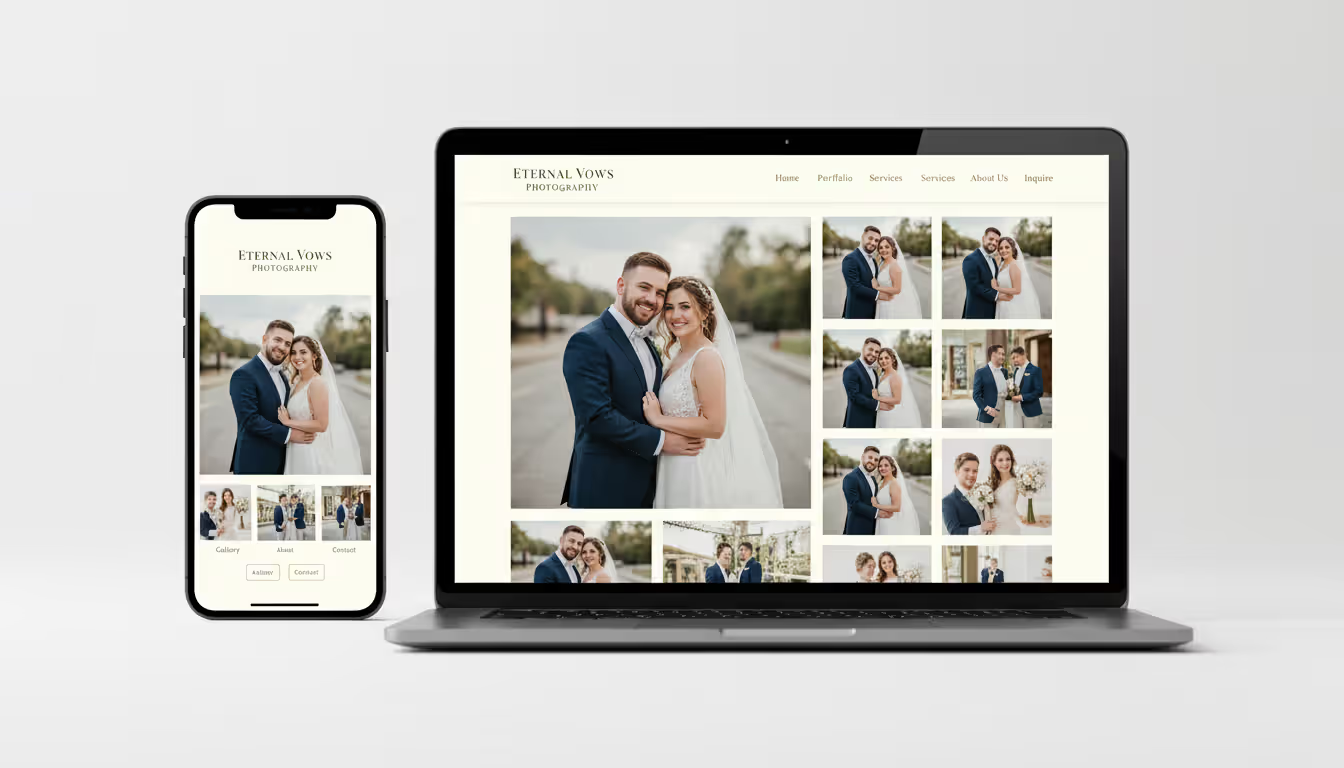
You also control the story. Which images appear first? How galleries flow together? What information visitors see before they even look at photos? Social platforms jam your work into their templates, crop your carefully composed shots into squares, and shuffle everything based on mysterious engagement metrics. With your own site, the presentation matches your vision exactly—every single detail.
Author: Caleb Renshaw;
Source: maryelizabethphoto.com
Choosing the Right Platform for Your Photography Website
Platform choice affects everything from day-one setup headaches to what you can build three years from now. Here's what actually matters.
Squarespace dominates among photographers for good reason—templates that make your work look expensive with maybe an hour of setup. The photography-specific designs handle massive image files without choking, and if you later decide to sell prints, the commerce tools already live there. Expect to pay $16 monthly for personal sites, jumping to $27 for business features like abandoned cart recovery.
WordPress gives you infinite possibilities and infinite ways to break things. Thousands of photography themes exist, meaning you can build virtually anything you imagine. The tradeoff? You're managing hosting separately, applying security patches, and fixing plugin conflicts when they inevitably happen. Steeper learning curve, but photographers who outgrow simpler platforms eventually end up here.
Format exists specifically for photographers. Client proofing galleries, contract signatures, print sales—all built in from day one. Templates obsess over large images and minimal distractions. Starting at $10 monthly makes it one of the more wallet-friendly specialized options.
Wix offers drag-and-drop simplicity that feels intuitive within five minutes. Their photography templates work fine for beginners, though some photographers hit limitations as their needs expand. Free plans exist but slap Wix branding across your domain and inject ads you can't remove.
Adobe Portfolio comes free with Creative Cloud subscriptions. Already paying for Lightroom and Photoshop? You've got a portfolio builder included. Template variety is limited compared to dedicated platforms, but Lightroom integration lets you sync entire galleries automatically—pretty convenient when you're updating portfolios after every shoot.
SmugMug combines portfolio presentation with serious print-selling infrastructure. If you're actually making revenue from print sales or digital downloads, SmugMug's commerce features justify the $15 monthly entry price.
Free vs. Paid Website Options
Free website builders exist, but they undermine the professional image you're trying to create. Free plans mean platform branding in your URL—yourname.wix.com instead of yourname.com. They inject ads you can't control. They cap storage at levels that force you to choose between galleries.
Custom domains run $10-15 yearly and immediately transform how potential clients perceive you. When you're figuring out how to create a photography website for free, understand that "free" means accepting compromises that hurt your business. Hobby photographers sharing shots with friends? Fine. Professionals chasing paying clients? The $10-20 monthly investment returns itself with literally one booking.
Adobe Portfolio wins as the best free website for photography portfolio if you're already paying Creative Cloud subscriptions. Otherwise, treat free tiers as test drives before committing to paid plans once you've confirmed the platform fits your workflow.
What to Look for in a Photography Website Builder
Image handling quality separates photography platforms from generic builders. Does it compress your files into muddy thumbnails or preserve detail and color? Upload a test gallery and check on multiple devices.
Mobile responsiveness needs to be automatic, not something you configure. Sixty-three percent of web traffic now comes from phones and tablets—if your site looks broken on mobile, you've lost two-thirds of potential clients before they see a single photo.
Built-in SEO capabilities determine whether anyone finds you through search engines. Can you customize page titles? Edit meta descriptions? Add alt text to images? These elements directly impact whether you appear when couples Google "wedding photographer [your city]" or art directors search for commercial photographers in your specialty.
Storage limits matter more for photographers than almost any other profession. Wedding photographers might showcase 50-100 images per gallery. Each file, even after web optimization, weighs 2-5MB. Calculate your needs based on how many shoots you plan to feature, then add 50% buffer room.
Integration options extend functionality without platform switching. Does it connect with scheduling tools like Calendly? Work with email marketing platforms? Support blog functionality without requiring workarounds?
Step-by-Step Process to Build Your Photography Website
Building your site follows a logical sequence, though expect to loop back and refine earlier decisions as you develop clarity about what works.
Step 1: Lock down your domain. Register something matching your business name or personal brand. Yourname.com works. YournamePhotography.com works. Avoid hyphens, numbers, or creative spellings people mishear when you're telling them verbally. "That's Rachel with an E, hyphen, K-A-Y photography dot com" loses you half your audience.
Step 2: Pick your platform and plan. Based on the options above, select one matching your technical comfort level and budget. Most offer free trials—actually use them to test the interface before committing money.
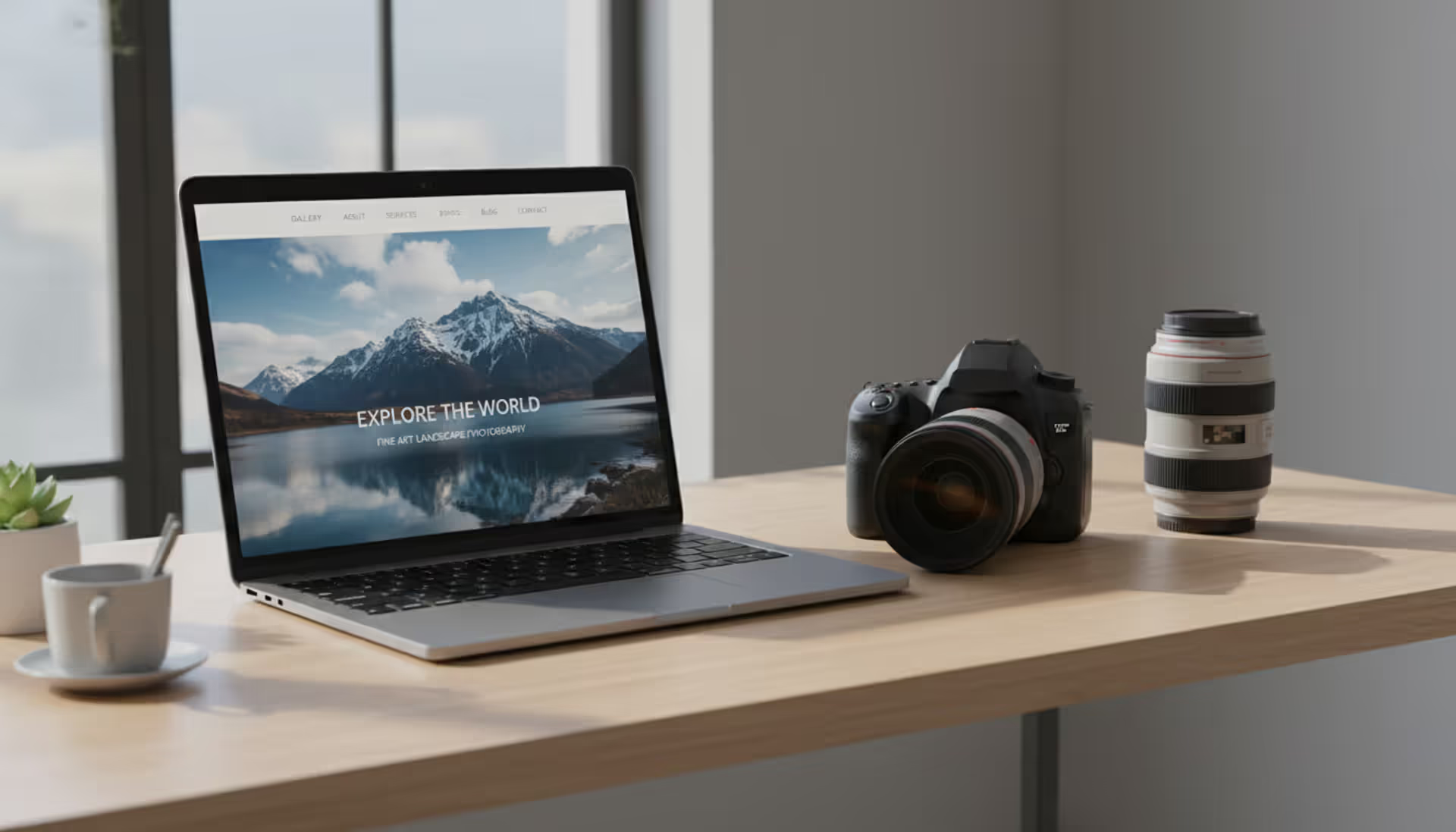
Step 3: Choose your template. Photography templates should emphasize images over text blocks. Look for minimal navigation, generous white space, and layouts letting photos breathe. You can customize later, but starting with photography-focused templates saves hours of fighting with design elements.
Step 4: Upload and organize images. This deserves more thought than just bulk uploading your Lightroom catalog.
Selecting and Organizing Your Best Work
Quality demolishes quantity in portfolio curation. Thirty exceptional images beat one hundred pretty-good shots. Every additional image raises the bar—if a photo doesn't actively strengthen your portfolio, it weakens it by diluting the impact of your strongest work.
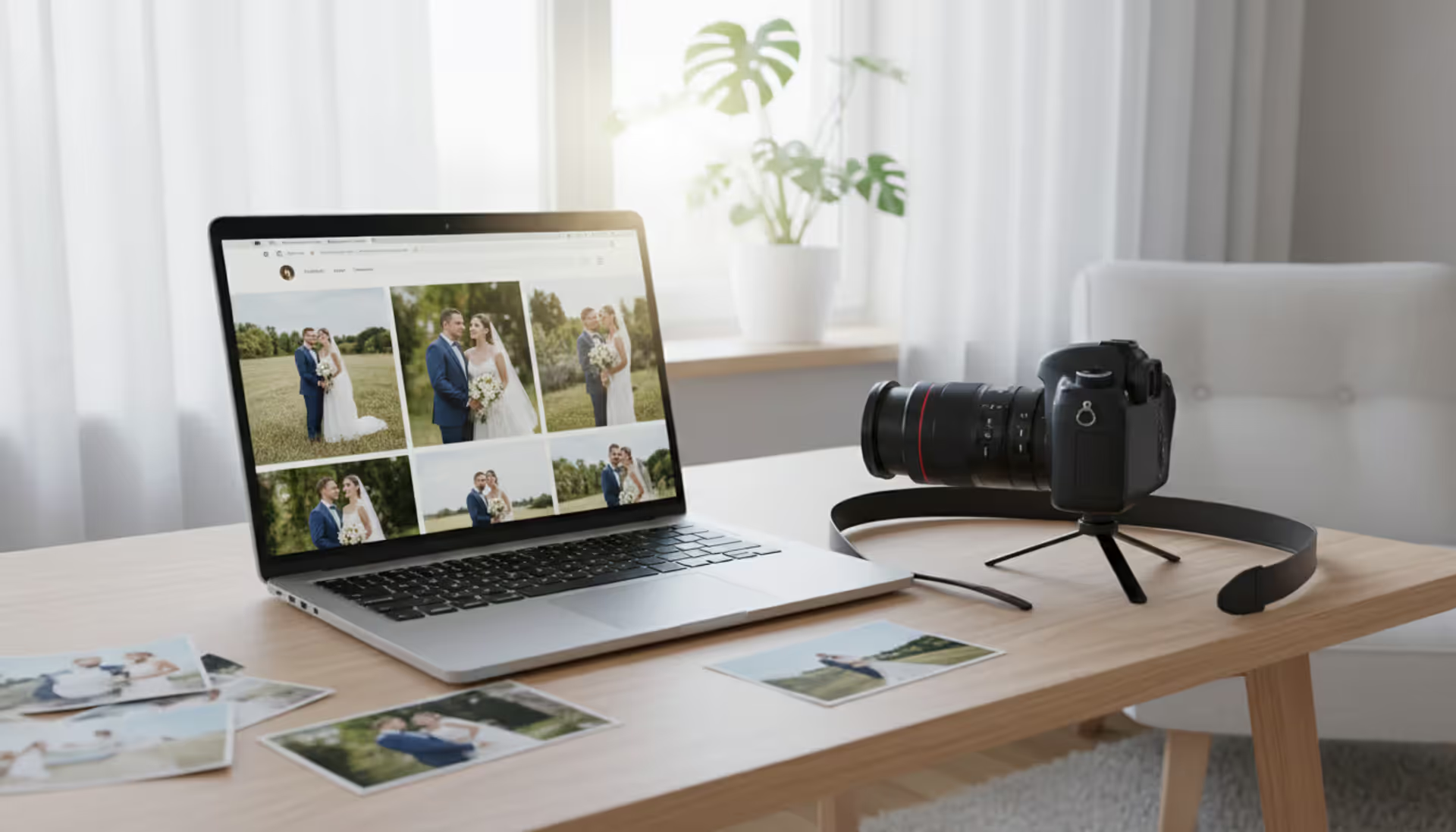
Organize galleries by shoot type or category. Wedding photographers might create separate collections for ceremonies, receptions, engagement sessions. Commercial photographers could divide work by industry—food photography, product shots, corporate headshots, editorial work.
Within each gallery, sequence matters. Start with something that makes people stop scrolling. Vary compositions—don't stack five similar portraits consecutively. Think about visual rhythm: establishing wide shot, intimate detail, medium composition, dramatic moment.
Cut duplicate angles ruthlessly. You shot a scene from three perspectives? Include only the strongest version. Your portfolio demonstrates judgment equally as much as technical skill.
Author: Caleb Renshaw;
Source: maryelizabethphoto.com
Essential Pages Every Photography Website Needs
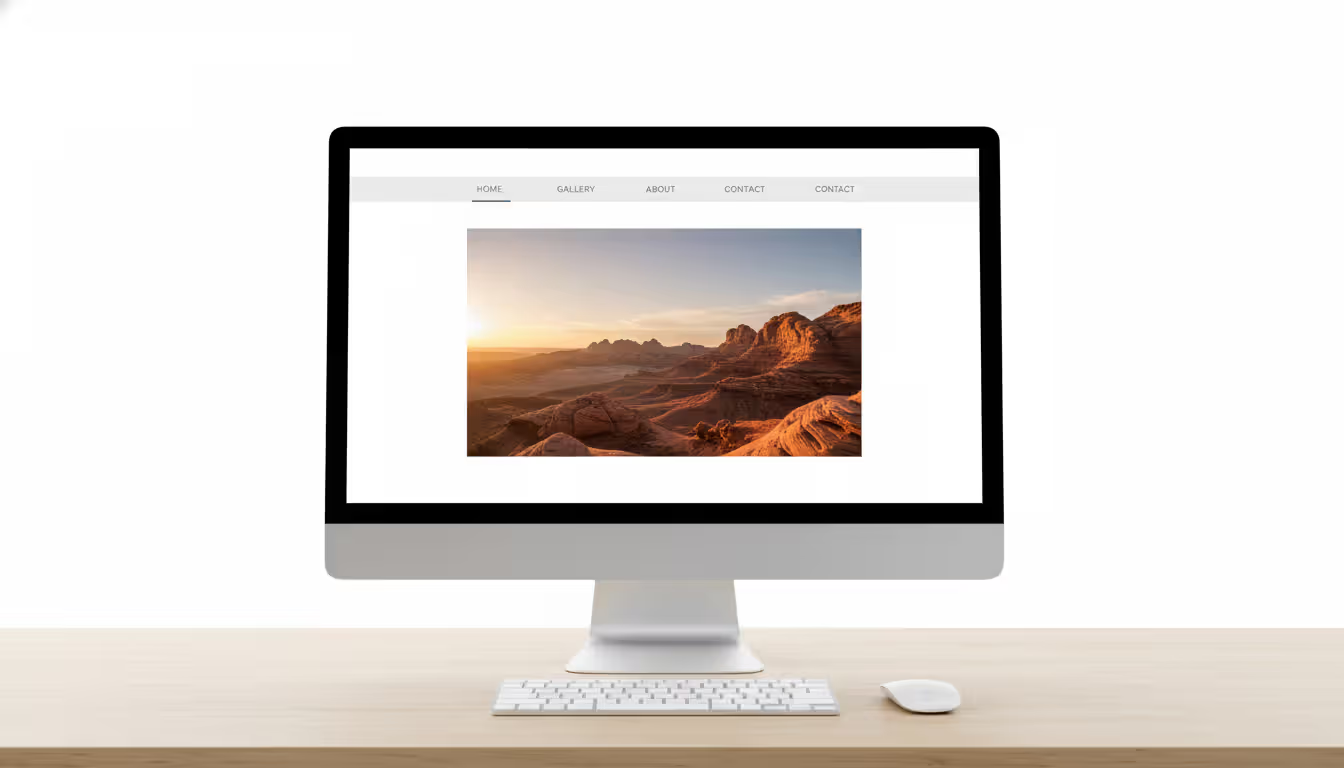
Homepage: Your strongest 8-12 images in a grid or slideshow. Include one headline explaining what you do and for whom. Skip lengthy "welcome to my website" paragraphs that bury the actual work—visitors came to see photos, not read your manifesto.
Portfolio/Gallery: Organized collections of your best work, divided into categories that make sense for your specialty. Navigation should be obvious—don't make visitors hunt for how to view your photos.
About: Brief bio with a professional headshot. Explain your background, approach, and what makes your perspective different. Keep it under 200 words. Clients care about your work infinitely more than your life story.
Services: Clear descriptions of what you offer—wedding packages, portrait sessions, commercial day rates. You don't necessarily need exact pricing publicly, but provide enough detail that visitors know whether you match their needs and budget range.
Contact: Simple form with fields for name, email, event date or shoot type, and message. Also include your email address and phone number directly on the page for people who prefer not using forms.
Investment/Pricing (optional): Some photographers share starting rates to pre-qualify inquiries. This filters out budget-mismatched leads but might deter clients who'd stretch budgets for the right photographer. Choose based on whether you'd rather answer more inquiries or only qualified ones.
Optimizing Images for Web Performance
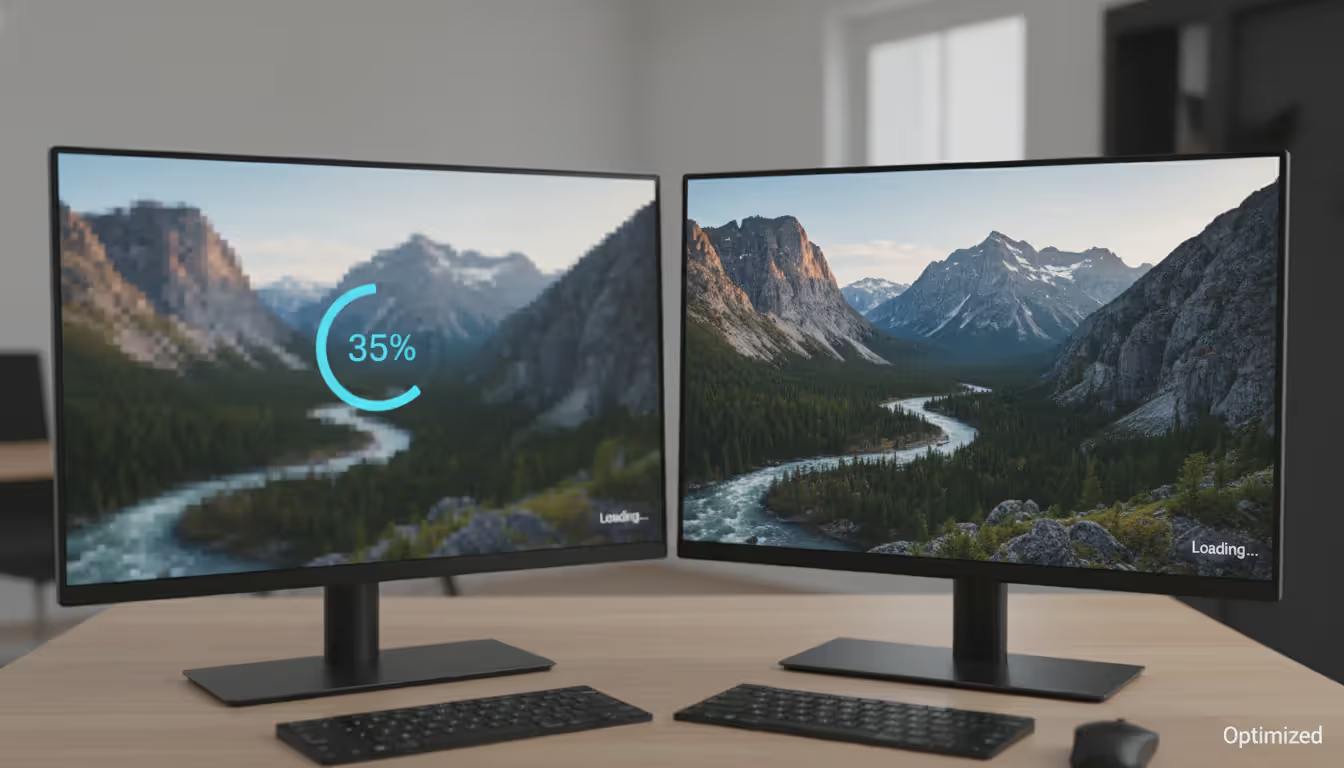
High-resolution files that look perfect in Lightroom will destroy your site speed if uploaded directly. A 6000×4000 pixel, 8MB file makes visitors wait 10+ seconds per page—long enough that most abandon your site entirely.
Resize images to web dimensions. For full-width hero images, 2400 pixels on the long edge handles retina displays beautifully. Gallery thumbnails need only 800-1200 pixels. Export as JPEGs at 70-80% quality—the compression remains invisible on screens while cutting file sizes 60-80%.
Use descriptive filenames: "yosemite-elopement-cathedral-rocks.jpg" instead of "IMG_4782.jpg." Search engines read filenames as context about image content.
Add alt text to every single image. Describe what appears in the photo: "couple exchanging vows under oak tree at sunset." This helps visually impaired visitors using screen readers and gives search engines additional signals about your content.
Author: Caleb Renshaw;
Source: maryelizabethphoto.com
Design Principles for Photography Portfolio Websites
Minimalism serves photographers better than elaborate designs every time. Your images are the attraction—everything else should fade into the background. White or light gray backgrounds keep focus on photos. Avoid busy patterns, flashy animations, or competing visual elements that distract from the work.
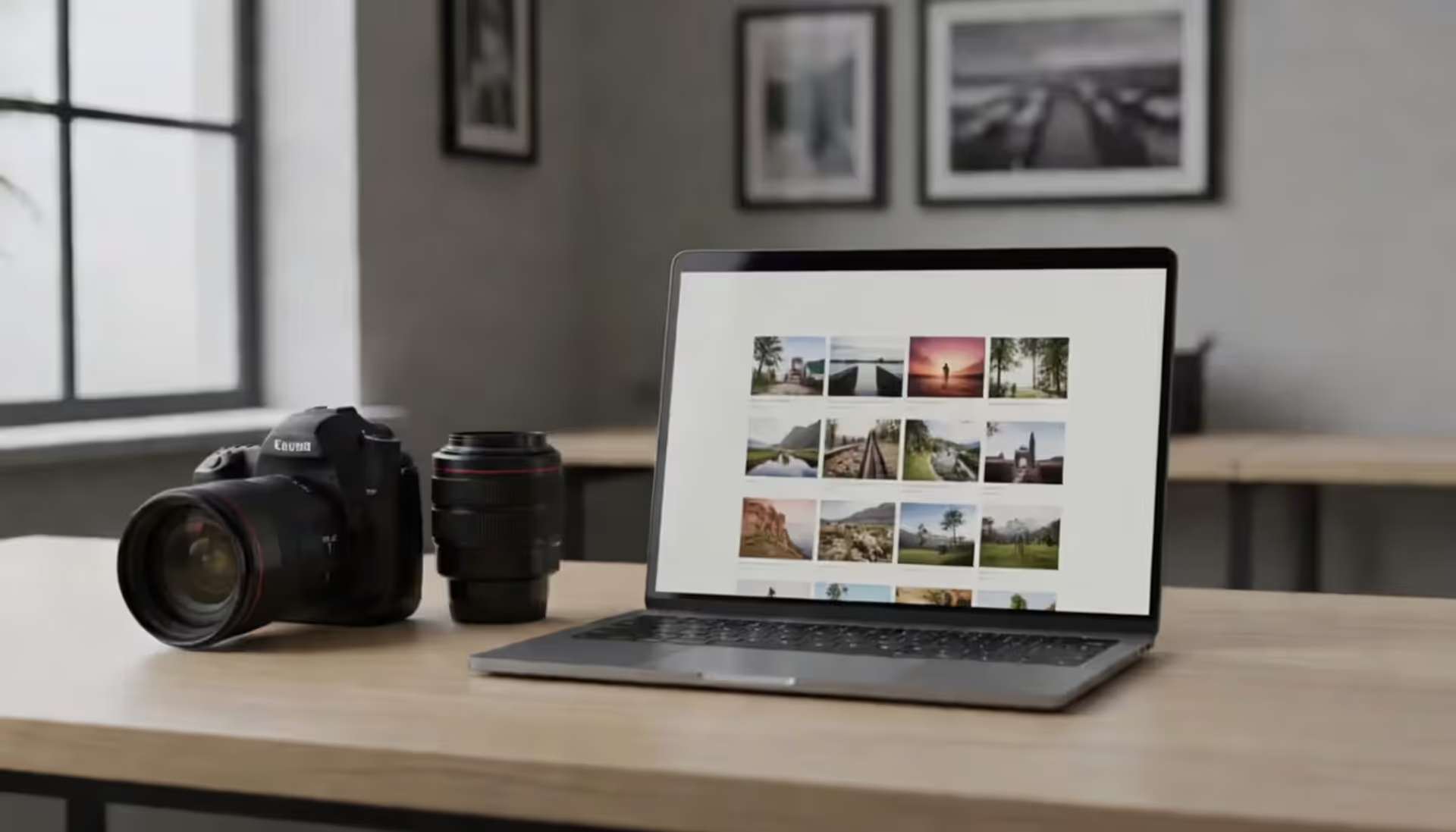
Image sizing balances impact against load speed. Full-bleed images (edge-to-edge without margins) create immersive experiences but demand larger file sizes. Grid layouts with modest spacing load faster and let visitors scan multiple images quickly.
Mobile responsiveness isn't negotiable anymore. Test on actual phones, not just desktop browser simulators. Do images scale properly? Can users navigate galleries with thumb-friendly tap targets? Does text remain readable without zooming?
Navigation should disappear until needed. Sticky headers that follow users down the page help, but verify they don't obscure photos. Hamburger menus (three-line icon) save space but hide your site structure—consider whether your specific audience understands that convention.
Limit fonts to two maximum: one for headings, one for body text. Fancy scripts and decorative typefaces compete with your imagery. Stick with clean, readable options that don't call attention to themselves.
Author: Caleb Renshaw;
Source: maryelizabethphoto.com
Adding Features That Convert Visitors into Clients
Beautiful portfolios attract eyeballs. Strategic features convert those eyeballs into bookings.
Contact forms should create zero friction. Ask only for essential information—name, email, event date or shoot type, message field. Every additional required field increases the percentage of people who abandon the form. Place contact forms on multiple pages, not exclusively on a dedicated contact page.
Pricing pages spark debate. Listing packages publicly filters out budget-mismatched inquiries, saving hours on consultations that won't convert. However, some photographers prefer discussing pricing after establishing value through conversation. Consider your market—destination wedding photographers often share rates publicly while editorial photographers typically don't.
Booking systems let clients schedule consultations or sessions directly. Tools like Calendly or Acuity integrate with most website builders and eliminate email tennis about availability. For high-touch services like weddings, you might prefer initial inquiries routing through contact forms before offering calendar access.
Testimonials build trust faster than anything you write about yourself. Feature 3-5 client quotes on your homepage or dedicated testimonials page. Include the client's full name and context ("Sarah & Mike, Taos Wedding"). Generic initials or anonymous praise reads as fabricated.
Blog integration serves dual purposes: demonstrating expertise and improving SEO. Publishing posts about recent shoots, photography tips, or location guides gives search engines fresh content to index while providing value to potential clients researching photographers. Wedding photographers might post "Top Engagement Photo Locations in Charleston"—content attracting exactly the right audience.
Common Mistakes to Avoid When Creating a Photography Website
The first impression potential clients get often happens on your website. Fast loading matters. Looking polished across all devices matters. Making it dead simple to reach you matters. I've watched genuinely talented photographers miss out on bookings because their sites felt dated or navigation frustrated visitors. Your portfolio needs to work as tirelessly as you do behind the camera
— Jennifer Martinez
Overcrowding galleries dilutes impact dramatically. If you can't decide which images to cut, you're definitely showing too many. Aim for 20-30 images per gallery maximum. Create multiple galleries for different shoot types rather than dumping 100 photos into endless scroll territory.
Slow load times kill conversions instantly. If your homepage takes longer than 3 seconds to display images, visitors leave. Use compressed images, enable caching through your platform settings, and absolutely avoid auto-playing video backgrounds.
Poor mobile experience alienates the majority of traffic. Test every page on an actual phone. Can you read text without zooming? Do buttons work with finger taps? Does any horizontal scrolling appear (it shouldn't, ever)?
Missing contact information seems obvious yet happens constantly. Every page should offer a clear path to contact you—either a sticky "Get in Touch" button or contact details in the footer.
Autoplay music or videos annoy users universally, especially those browsing at work or in public. Let visitors control all audio and video playback.
Outdated portfolio work signals you're not actively shooting. Refresh galleries at least quarterly with recent work. If your newest images date from two years ago, clients assume you've left the business or lost your skills.
Comparison of Top Photography Website Builders
Platform
Free Option?
Starting Cost
Ideal User
Core Strengths
Storage Capacity
Squarespace
No
$16/mo
Photographers seeking polished templates without technical hassle
Gorgeous templates, integrated commerce, excellent mobile optimization
Unlimited bandwidth and pages
WordPress
Yes (self-host)
$4-30/mo (hosting)
Tech-savvy photographers requiring maximum flexibility
Extensive themes, massive plugin library, complete control
Varies by hosting provider
Format
14-day trial
$10/mo
Working photographers needing client gallery features
How much does it cost to create a photography website?
Expect anywhere from free (with significant limitations) to $500+ annually for premium configurations. Most professional photography websites run $150-400 yearly, breaking down as: domain registration ($10-15), website builder subscription or hosting ($120-300), possibly premium themes or plugins ($0-100). One-time setup might add another $0-200 if purchasing premium templates. Budget increases if hiring designers for custom work.
Can I create a photography website for free?
Yes, though you'll accept compromises. Wix, WordPress.com, and Weebly provide free tiers that include platform branding in your URL plus display ads. Adobe Portfolio is free with Creative Cloud membership. Free plans typically cap storage, block custom domains, and restrict features. For hobby portfolios or testing concepts, free works. For professional client acquisition, investing $10-20 monthly in paid plans delivers substantially better results.
Do I need coding skills to make a photography website?
Not at all. Modern builders like Squarespace, Format, and Wix require zero coding knowledge. You'll point, click, and drag elements where you want them. WordPress offers middle ground—build sites without code using page builders, though knowing basic HTML/CSS helps with customization. If you can navigate Lightroom or Photoshop, you can absolutely build a website.
What's the best free website builder for a photography portfolio?
Adobe Portfolio takes the lead for photographers already paying Creative Cloud subscriptions, offering clean templates and Lightroom integration without additional fees. Without Adobe subscriptions, Wix's free tier provides maximum flexibility, though you'll display Wix branding and ads. WordPress.com's free plan offers solid foundations but limits customization significantly. Remember that free plans prevent custom domains, which damages professional credibility noticeably.
How many photos should I include in my portfolio?
Quality crushes quantity always. Show 20-30 images per gallery, 60-100 images total across all galleries. Each photo should represent your absolute strongest work. Wedding photographers might display 25 ceremony images, 25 reception moments, 20 portraits. Commercial photographers could showcase 30 product shots, 30 lifestyle images, 20 editorial pieces. If you're questioning whether an image belongs in your portfolio, it probably doesn't belong.
How do I make my photography website appear in Google search?
Search optimization requires several coordinated steps. Start with descriptive page titles and meta descriptions including your location and specialty ("Portland Wedding Photographer | Alex Chen Photography"). Add alt text to every image describing its content. Create location-specific pages or blog content about your area. Guarantee your site loads quickly and functions flawlessly on mobile devices. Register with Google Business Profile. Build backlinks by getting featured on wedding publications, local directories, or industry sites. SEO demands months before showing results, but it's the most sustainable client acquisition method long-term.
Learning how to make a photography website transforms from overwhelming to totally manageable once you break it into sequential steps: pick a platform matching your technical comfort and budget, curate your strongest work ruthlessly, design with minimalism that showcases images beautifully, and add features making it effortless for people to contact you.
Your site functions as a 24/7 portfolio and sales engine, working to attract clients while you're shooting, editing, or sleeping. Photographers who invest time building professional sites—optimized for speed, designed for mobile, updated regularly—consistently outperform those depending exclusively on social media.
Start simple with 30-50 of your best images across 2-3 galleries. You can always expand later with additional features, more galleries, or blog content. The perfect website doesn't exist, but a solid website launched today beats a perfect website you never finish building.
Choosing the right platform for your photography portfolio can make or break your online presence. Squarespace has become a go-to solution for photographers who want professional-looking websites without hiring a developer. This guide walks through actual portfolios, what makes them work, and how to build yours
Photography businesses that rank on Google's first page win the clients—everyone else competes for scraps. This guide reveals exactly how to optimize your photography website for search, dominate local results, and convert organic traffic into bookings without spending on ads
Your photography website collects more personal data than you might realize. Every contact form, gallery password, and booking creates legal obligations. Learn what to include in your privacy policy, platform-specific requirements, and common mistakes photographers make
Finding the right website template can make or break your photography business's online presence. A well-chosen template saves hundreds of hours compared to building from scratch while still delivering a professional showcase for your work
The content on this website is provided for general informational and educational purposes only. It is intended to explain concepts related to running a photography business, insurance coverage, marketing, websites, and professional development.
All information on this website, including articles, guides, and examples, is presented for general educational purposes. Outcomes may vary depending on business size, location, and individual choices.
This website does not provide professional legal, insurance, financial, or business advice, and the information presented should not be used as a substitute for consultation with qualified professionals.
The website and its authors are not responsible for any errors or omissions, or for any outcomes resulting from decisions made based on the information provided on this website.