Sorting through hundreds or thousands of images after a shoot ranks among the most tedious tasks photographers face. Photo culling software transforms this workflow bottleneck into a streamlined process, letting you identify keepers and reject out-of-focus or duplicate shots in a fraction of the time manual review requires.
What Is Photo Culling and Why It Matters
Photo culling means evaluating and selecting the best images from a shoot while rejecting or archiving the rest. Wedding photographers might return from an event with 3,000 raw files but deliver only 600 edited images. Portrait photographers shoot 200 frames to find 15 worth retouching. Without a systematic approach, this selection process drains hours that could be spent shooting or editing.
Manual culling creates several pain points. Opening each image individually in a file browser wastes time. Scrolling back and forth between similar shots strains your eyes and decision-making ability. Accidental deletions happen when you're clicking through files rapidly. Inconsistent selection criteria lead to keeping mediocre shots while discarding better alternatives you reviewed when fatigued.
Dedicated culling tools address these problems by displaying images at full resolution with instant navigation, letting you compare similar frames side-by-side, and providing keyboard shortcuts that eliminate repetitive mouse movements. A photographer who previously spent four hours culling a wedding can often complete the same task in under ninety minutes with proper software and technique.
The benefits extend beyond time savings. Faster culling means quicker turnaround times for clients, which strengthens your professional reputation. Consistent rating systems help you identify your strongest work patterns over time. Reduced eye strain and mental fatigue preserve your creative judgment for actual editing decisions rather than exhausting it on basic yes-or-no choices.
Author: Derek Halston;
Source: maryelizabethphoto.com
How Photo Culling Software Works
Most culling applications share core features designed around rapid image review. Rating systems let you mark photos with star ratings (typically one to five stars) or color labels while moving through a set. Many photographers develop personal systems—flagging obvious keepers immediately, marking maybes with one star, then doing a second pass to refine selections.
Keyboard shortcuts form the backbone of efficient culling. Instead of clicking buttons, you press a single key to rate an image and automatically advance to the next frame. Common patterns include using arrow keys for navigation, number keys for star ratings, and specific keys for flagging or rejecting. After an adjustment period, muscle memory takes over and your hands move faster than conscious thought.
AI-powered selection tools have matured significantly in recent years. These features analyze technical qualities like focus sharpness, proper exposure, and facial expressions to suggest which images from a burst sequence deserve attention. While AI shouldn't make final decisions—artistic judgment remains human—it effectively handles the first pass through thousands of frames, eliminating obviously flawed shots.
Batch operations let you apply actions to multiple selected images simultaneously. After flagging your keepers, you might batch-copy them to a new folder, apply initial metadata, or send them directly to your editing software. This eliminates repetitive file management tasks.
Integration capabilities determine how smoothly culling fits into your broader workflow. The best tools work seamlessly with Lightroom, Capture One, or other editing applications, allowing you to cull in a specialized tool then continue editing without re-importing or losing organizational data.
Free vs. Paid Photo Culling Software
Free culling tools serve hobbyists and photographers with modest volumes well. If you shoot one or two sessions monthly with a few hundred images each, free options provide sufficient functionality. They typically include basic rating systems, keyboard navigation, and simple filtering.
Limitations appear in several areas. Free versions often restrict batch sizes, forcing you to cull in smaller groups. They may lack AI features, advanced comparison views, or integration with professional editing suites. Customer support ranges from limited to nonexistent. Updates arrive sporadically, and compatibility with new camera raw formats lags behind paid alternatives.
Paid software justifies its cost through speed optimizations that matter when processing thousands of images weekly. A tool that culls 20% faster saves a full-time wedding photographer dozens of hours annually. Professional features like customizable keyboard mappings, dual-monitor support, and sophisticated filtering save additional time. Regular updates ensure compatibility with new camera models on release day rather than months later.
Cost considerations depend on your volume and income. A $100-150 one-time purchase or $10-20 monthly subscription becomes negligible when it saves ten hours per month for a photographer billing $75+ hourly. However, someone shooting occasionally as a side project might struggle to justify that expense when free alternatives meet their needs.
Top Photo Culling Software Options Compared
Software Name
Free/Paid
Key Features
Best For
Platform Compatibility
Starting Price
Photo Mechanic Plus
Paid
Blazing speed, metadata tools, contact sheets
High-volume professionals
Windows, macOS
$139 one-time
Narrative Select
Paid
AI-powered selection, facial recognition
Wedding/event photographers
Windows, macOS
$99/year
FastRawViewer
Paid
Raw histogram analysis, focus peaking
Technical shooters needing quality control
Windows, macOS
$25 one-time
Lightroom Classic
Paid
Integrated editing, cloud sync, mobile access
Photographers wanting all-in-one solution
Windows, macOS, mobile
$9.99/month
Darktable
Free
Open-source, non-destructive editing
Budget-conscious enthusiasts
Windows, macOS, Linux
Free
XnView MP
Free
Multi-format support, basic rating
Casual photographers, mixed media
Windows, macOS, Linux
Free
Aftershoot
Paid
AI culling, adaptive learning
Volume shooters seeking automation
Windows, macOS
$12/month
Capture One
Paid
Tethered shooting, advanced color tools
Commercial/studio photographers
Windows, macOS
$15/month
Best for Speed and Efficiency
Photo Mechanic Plus dominates when raw speed matters most. Sports photographers and photojournalists working under deadline pressure rely on its ability to render previews nearly instantaneously, even with 50-megapixel raw files. The interface prioritizes keyboard-driven workflows—experienced users rarely touch their mouse during culling sessions.
Aftershoot takes a different speed approach through AI automation. Its algorithms learn your selection preferences over time, eventually culling entire shoots with 85-90% accuracy according to your personal style. You review and adjust its suggestions rather than evaluating every frame manually. Photographers shooting 500+ images per session see the most dramatic time savings, though the monthly subscription model requires consistent volume to justify the cost.
Author: Derek Halston;
Source: maryelizabethphoto.com
Best Free Options
Darktable provides the most comprehensive free solution for photographers comfortable with open-source software. Beyond basic culling, it includes a full non-destructive editing suite comparable to Lightroom. The learning curve is steeper than commercial alternatives, and the interface feels less polished, but the feature set rivals paid options costing hundreds of dollars.
XnView MP works well for photographers who need simple, reliable culling without advanced features. It handles virtually every image format, makes rating and filtering straightforward, and runs efficiently even on older computers. The interface won't win design awards, but it gets out of your way and lets you focus on image selection.
Best for Asset Management Integration
Lightroom Classic remains the default choice for photographers wanting culling and editing in a single ecosystem. Its catalog system tracks every image, rating, and edit across your entire library. Cloud synchronization lets you start culling on your desktop and continue reviewing on a tablet during downtime. The integration eliminates export/import steps between separate culling and editing applications.
Capture One appeals to commercial photographers who need sophisticated asset management alongside industry-leading color tools. Its session-based workflow suits studio shoots where images flow directly from camera to computer. Tethered shooting capabilities let you cull in real-time during the session, showing clients selected images immediately rather than waiting for post-shoot review.
Choosing the Right Photo Culling App for Your Workflow
Volume determines which features matter most. Shooting 100-200 images weekly means basic free tools handle your needs comfortably. Processing 500-1,000 images from a single wedding requires speed optimizations and AI assistance that justify paid software. Photojournalists generating 2,000+ frames daily need industrial-strength tools built for extreme volume.
Operating system compatibility seems obvious but trips up photographers who assume cross-platform availability. Several excellent culling tools run only on macOS or Windows, not both. Mobile apps exist but generally serve review and flagging purposes rather than serious culling—touchscreen interfaces lack the precision and speed of keyboard-driven desktop workflows.
Existing editing software creates natural integration points. Photographers already paying for Adobe Creative Cloud might find Lightroom's built-in culling sufficient, avoiding another subscription. Capture One users benefit from staying within that ecosystem. However, specialized culling tools often outperform all-in-one solutions for the specific task of rapid image selection, even when it means adding a step to your workflow.
Budget considerations extend beyond purchase price. Calculate time savings in dollars—if software saves you five hours monthly and your effective hourly rate is $50, that's $250 in monthly value from a $15 subscription. One-time purchases amortize quickly for active professionals. Free tools cost nothing upfront but may cost more in accumulated time inefficiency over years of use.
Learning curves vary dramatically between applications. Photo Mechanic's keyboard-centric approach feels alien initially but becomes second nature within a week of regular use. AI-powered tools require training periods where you correct their selections so algorithms learn your preferences. All-in-one editing suites demand learning entire ecosystems. Match the learning investment to your timeline—photographers needing immediate productivity should choose intuitive interfaces over feature-rich complexity.
Author: Derek Halston;
Source: maryelizabethphoto.com
Common Mistakes When Culling Photos
Deleting original files too quickly creates irreversible losses. That out-of-focus shot might contain a crucial background detail another image lacks. The overexposed frame could salvage highlights in post-processing. Experienced photographers flag rejects rather than deleting them, then review flagged images a second time before permanent deletion. Some maintain reject archives indefinitely since storage costs pennies compared to lost opportunities.
Inconsistent rating systems undermine culling's organizational benefits. Using five stars one day and color labels the next creates confusion when reviewing past work. Applying different criteria to different shoot types makes cross-project comparisons impossible. Establish a personal system—perhaps one star for maybes, two stars for definite keepers, three stars for portfolio candidates—and apply it uniformly.
Author: Derek Halston;
Source: maryelizabethphoto.com
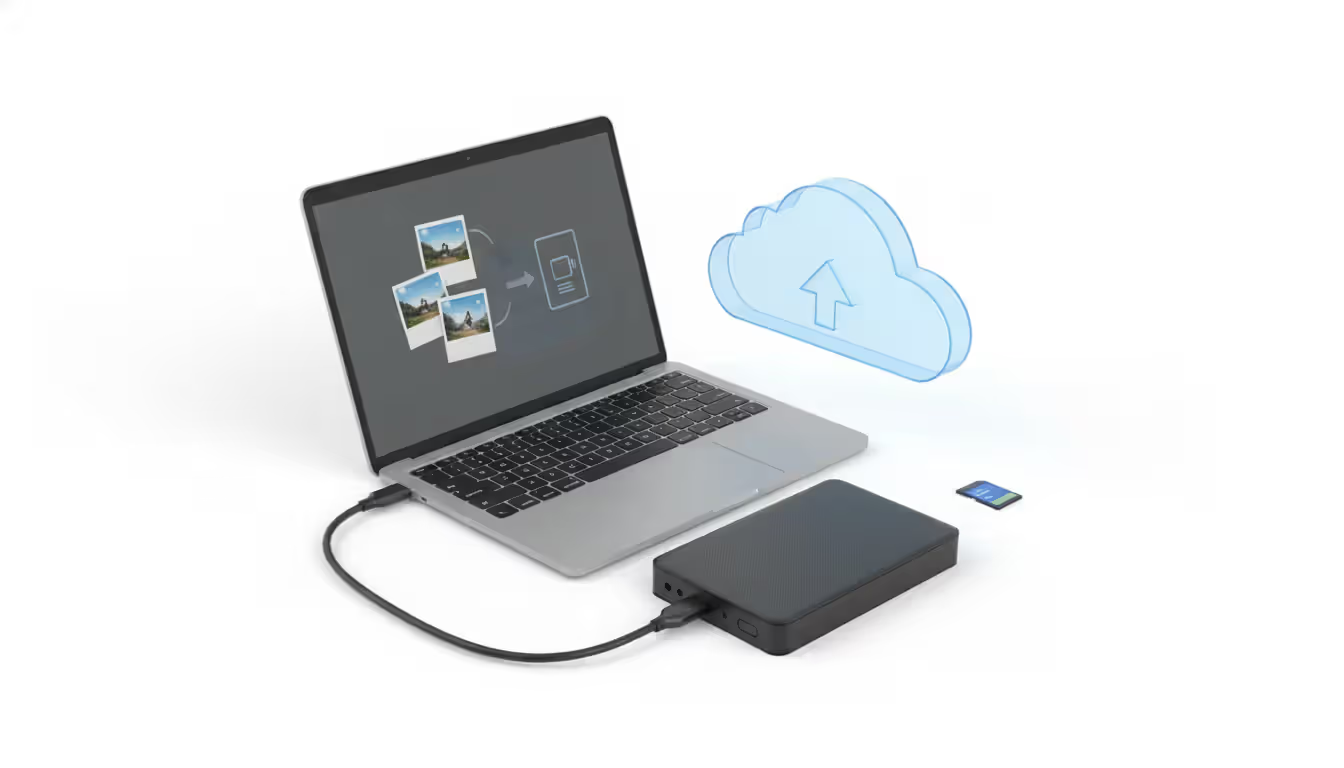
Skipping backups before culling invites disaster. Hard drives fail. Software bugs corrupt catalogs. Accidental keystrokes delete entire folders. Back up original files to at least two separate locations before beginning selection. Cloud backup services, external drives, and NAS systems all provide protection. The peace of mind lets you cull aggressively without fear.
Over-culling stems from perfectionism or storage anxiety. Keeping only the absolute best frame from a ten-shot sequence means losing alternative compositions, expressions, or moments that clients might prefer. Storage is cheap—a 4TB external drive costs less than a single client session. Err toward keeping borderline images during initial culling, then tighten selections after editing reveals which frames truly shine.
Efficient culling isn't about working faster—it's about preserving your creative energy for decisions that actually matter. Every minute spent clicking through obvious rejects is a minute stolen from the artistic work that defines your photography
— Marcus Chen
Frequently Asked Questions About Photo Culling Software
What is the fastest way to cull photos?
The fastest culling method combines keyboard shortcuts with a two-pass system. First, move through all images rapidly, flagging obvious keepers and rejecting clearly flawed shots without overthinking. Second, review flagged images more carefully, applying star ratings to prioritize editing order. Using dedicated culling software rather than general file browsers typically doubles or triples speed. Photographers culling 1,000+ images should consider AI-assisted tools that handle the initial pass automatically.
Can I use photo culling software on mobile devices?
Mobile culling apps exist but serve limited purposes compared to desktop applications. Tablets work reasonably well for reviewing and flagging images during travel or downtime, but touchscreen interfaces lack the speed and precision of keyboard-driven desktop workflows. Smartphone screens are too small for evaluating technical quality accurately. Most professional photographers use mobile apps for preliminary review only, performing serious culling on computers with large monitors and physical keyboards.
Does photo culling software delete my original files?
Culling software typically marks files as rejected or unselected rather than deleting them immediately. You control when and whether deletion occurs. Most applications separate flagging from deletion, requiring a deliberate second action to permanently remove files. Some tools move rejected images to separate folders instead of deleting them. Always verify your software's deletion behavior and maintain backups before removing any original files permanently.
Is AI photo culling accurate?
AI culling accuracy ranges from 75-90% depending on the software and how well it's trained to your preferences. Technical assessments—identifying sharp focus, proper exposure, and closed eyes—perform most reliably. Artistic judgments about composition, moment, and emotion remain challenging for algorithms. AI works best as a first-pass filter that eliminates obvious rejects, leaving final selections to human judgment. Photographers who train AI tools consistently by correcting their selections see accuracy improve over time.
What's the difference between culling and editing software?
Culling software focuses exclusively on rapid selection and organization, optimizing for speed when reviewing hundreds or thousands of images. Editing software provides tools for adjusting exposure, color, retouching, and other creative modifications. Many editing applications include basic culling features, while specialized culling tools rarely offer editing capabilities. Professional workflows often use dedicated culling software for initial selection, then import chosen images into editing applications for creative work.
Do I need photo asset management software if I use culling tools?
Asset management needs depend on your library size and complexity. Photographers maintaining catalogs of 50,000+ images across multiple years benefit from dedicated asset management systems that track keywords, metadata, location data, and client information. Smaller libraries or photographers working project-by-project might find culling software's organizational features sufficient. Many culling tools integrate with asset management systems, letting you cull efficiently then organize comprehensively. Evaluate whether you need to find specific images months or years later—if so, invest in proper asset management beyond basic culling.
Selecting the right culling software reshapes your photography workflow more dramatically than most gear purchases. The hours saved accumulate into days annually, freeing time for shooting, editing, or simply avoiding burnout. Free options serve photographers with modest volumes well, while professionals processing thousands of images weekly quickly recoup investments in specialized paid tools through pure time savings.
Match software capabilities to your actual needs rather than chasing features you'll never use. A photojournalist prioritizes raw speed above all else. A portrait photographer values comparison tools for selecting between similar expressions. A hobbyist shooting monthly needs reliability and simplicity over industrial-strength performance.
Start with your current workflow pain points. If culling drags on for hours, speed-optimized software delivers immediate relief. If you struggle organizing selections, asset management integration matters most. If inconsistent quality slips through, AI technical analysis catches focus and exposure problems automatically.
The best culling software becomes invisible—your hands move through keyboard shortcuts without conscious thought, your eyes evaluate images without interface distractions, and your creative judgment focuses entirely on selecting photographs rather than fighting tools. Test options with trial versions using real shoots from your workflow, then commit to learning whichever system you choose thoroughly enough that the software disappears and only the images remain.
Photographers face a constant challenge: how to communicate their value while remaining competitive. A well-structured price list solves this problem by setting clear expectations before the first consultation call. Whether you're a photographer building your first pricing document or a client trying to decode costs, understanding how photography pricing works saves time and prevents awkward conve
Photographers who master their craft still struggle to fill their calendars. The gap between technical skill and business success often comes down to marketing execution. Learn niche-specific strategies, channel comparisons, and when to hire agencies versus DIY approaches that actually generate bookings
Photography invoicing software automates billing, payment processing, and client management for professional photographers. This guide covers essential features, pricing models, common selection mistakes, and how standalone invoicing tools compare to full studio management platforms
Getting paid for your creative work shouldn't feel like pulling teeth. This guide covers everything photographers need to know about invoicing: what to include, how to create invoices in 5 steps, free templates, common mistakes, and the key differences between invoices, quotes, and contracts
The content on this website is provided for general informational and educational purposes only. It is intended to explain concepts related to running a photography business, insurance coverage, marketing, websites, and professional development.
All information on this website, including articles, guides, and examples, is presented for general educational purposes. Outcomes may vary depending on business size, location, and individual choices.
This website does not provide professional legal, insurance, financial, or business advice, and the information presented should not be used as a substitute for consultation with qualified professionals.
The website and its authors are not responsible for any errors or omissions, or for any outcomes resulting from decisions made based on the information provided on this website.